
The Gemini Google TV UAE question has become more urgent as AI features spread across televisions. Google has shown conversational search, visual answers, sports updates and even voice-controlled picture and sound adjustments. Those demonstrations are useful, but they do not mean every television labeled Google TV will receive the same features—or receive them in every country at the same time.
Buy the television for features verified today, then value future Gemini support only after the exact device passes Google’s eligibility checks. This guide compares three current StarSat listings without inventing compatibility.
Why this matters after IFA 2026
IFA Berlin ran from September 4–8, 2026. Its official program grouped major discussions under tracks including “World of AI & Future of Tech” and “Smart & Sustainable Living.” That makes AI in home electronics a timely subject, but an event theme is not a compatibility certificate for products already on sale.
Google’s January 2026 preview showed Gemini features that could make a television easier to use: richer answers, narrated deep dives, Google Photos search and natural-language adjustments such as telling the TV that the screen is too dim or dialogue is hard to hear. Google also attached important conditions. The preview said the features would come to selected devices first and required a supported country, language, account, internet connection and Android TV OS 14 or later.
Google’s current help page says Gemini for TV remains limited, with broader expansion planned by late 2026 for more Google TV devices running Android 14 or newer with at least 2 GB of RAM. That plan is not a guarantee for a particular model or the UAE, so recheck the live eligibility page before ordering.
Google TV does not automatically mean Gemini for TV
Google TV is the television interface and content-discovery platform. Gemini for TV is a newer assistant experience that depends on device hardware, software, region, language and account eligibility. A set can legitimately offer Google TV, Chromecast and Google Assistant while not being eligible for Gemini for TV today.
Judge the screen, size, ports, audio, apps and verified smart functions first. Judge Gemini support separately; neither the platform name nor another brand’s update promises a future feature for your exact unit.
The five-point Gemini Google TV UAE checklist
1. Record the exact model and product code
Do not verify a family name such as “55-inch Google TV.” Record the precise model printed on the box, rear label or About screen, plus the product code on the retailer listing. Similar screen sizes can use different boards, memory and software builds.
The 55-inch page identifies SV-CG55T2S2 / Google-55TV; the 65-inch page identifies SV-CG65T2S2 / Google-65TV. Google50 lists product code Google-50TV. None of those pages states the OS version or RAM required for Gemini eligibility.
2. Check the installed Android TV OS version
Open the television’s Settings and look for System or Device Preferences, then About. Menu wording varies. Record the Android TV OS version and build, not only the Google TV interface version. Google’s January preview and current help guidance use Android TV OS 14 or later as part of the stated requirement for upcoming Gemini support.
If a sealed unit cannot be checked, ask the seller to confirm the installed version for that stock batch and whether an official update path exists. Another brand or screen size receiving an update proves nothing about this unit.
3. Confirm memory and hardware eligibility
Google’s current help page says the late-2026 expansion is intended for additional devices with at least 2 GB of RAM. Television menus do not always expose RAM clearly, and a retail listing may omit it. Ask for a model-specific specification or written confirmation. Avoid estimating memory from interface speed, storage capacity or the number of installed apps; those are different measurements.
A microphone button can support Google Assistant without proving Gemini support. Treat “voice remote,” “Google Assistant” and “Gemini for TV” as separate claims unless exact model documentation connects them.
4. Verify country, language and profile requirements
Software rollouts are regional. On September 8, Google’s listed availability remained narrower than the UAE retail market and wider late-2026 expansion was not universal. Gemini for TV also requires an eligible adult profile; some functions need personal results, a Google account or connected services.
5. Require a live demonstration or written answer
Ask the retailer to show the exact model’s About screen or answer in writing: “Please confirm the installed Android TV OS version, RAM, UAE availability and whether Gemini for TV is enabled on this exact unit.” Mark unknown answers “not confirmed”; “may receive” is not a guarantee.
Current StarSat Google TV options at Glorious Store
Glorious Store’s live TV pages were checked on September 8, 2026. Each of the following showed an Add to Cart control. Stock is a dated snapshot and can change. None of the three product pages confirmed Gemini for TV, Android TV OS 14 or RAM, so this article does not present any of them as Gemini-ready.
| Current listing | Verified listing details | Stock checked Sept. 8 | Best-fit reason to compare |
|---|---|---|---|
| StarSat Google50 Smart 4K UHD LED TV | 50-inch 4K Google TV, built-in Chromecast, Wi-Fi, Bluetooth, Google Assistant and multiple HDMI/USB connections | 10 | A more compact current Google TV option; verify room fit and the exact software build |
| Starsat SV-CG55T2S2 55-inch UHD Smart TV | 4K Google TV, voice control, Chromecast, Dolby Vision/Atmos, HDR10+, HDMI 2.1, USB 3.0, Ethernet and listed ALLM/VRR | 50 | A middle screen size with a broad set of listed entertainment and connection features |
| Starsat SV-CG65T2S2 65-inch UHD Smart TV | 4K Google TV, Chromecast, Dolby Vision/Atmos, HDR10+, four HDMI 2.1, three USB 3.0, Ethernet, listed ALLM/VRR, 120 Hz and 40 W audio | 50 | A larger-room option when viewing distance and delivery access suit the screen |
The live StarSat Smart TV collection places Google50 first in its default “Sort by latest” view. That is catalogue order, not proof of a 2026 model year. Confirm revision, warranty, remote and software.
For room size, use the separate UAE 4K TV viewing-distance guide. For captions, TalkBack and other practical controls, see the Google TV accessibility settings guide. Those articles cover different intent and should remain the primary internal references for those decisions.
Buy for verified value, not a future promise
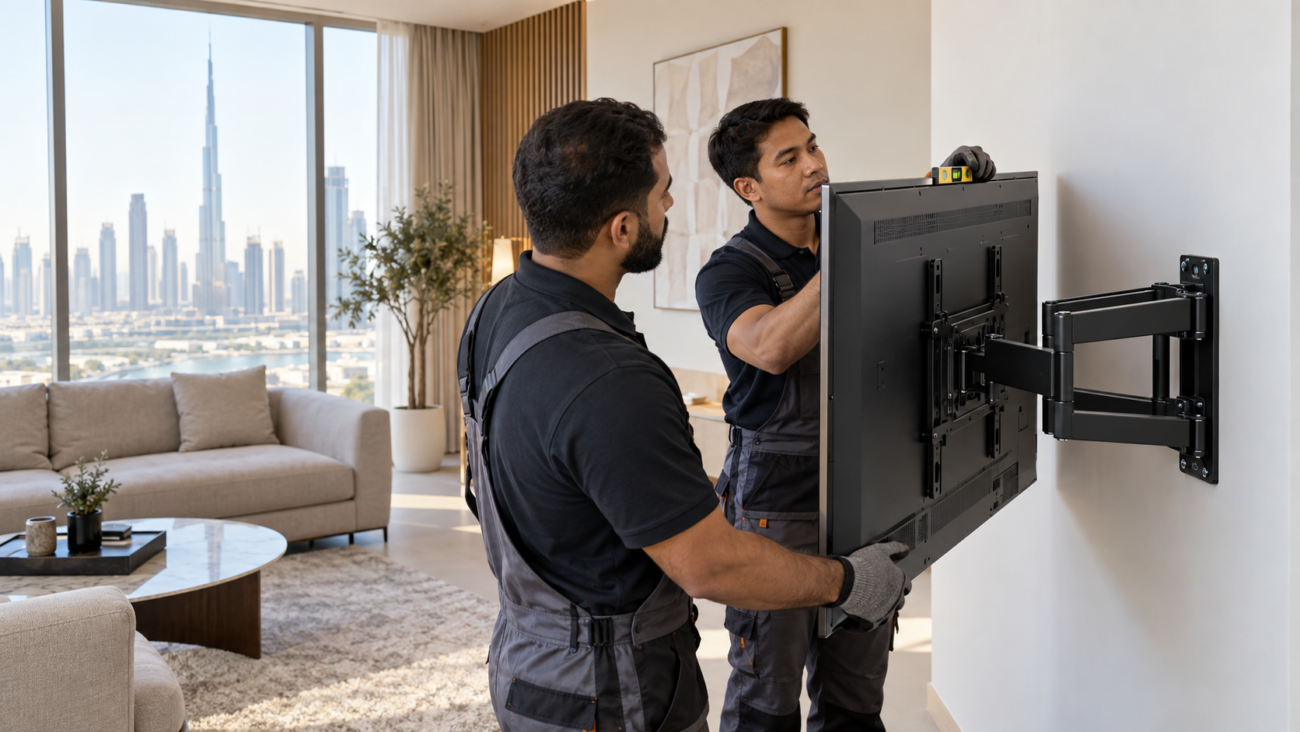
Start with screen size, resolution, apps and inputs. Check HDMI/USB ports, Ethernet, HDR/audio formats, wall mounting and delivery access. Confirm gaming features with the exact console, resolution and refresh rate you need.
Apply the Gemini checklist separately. If eligibility is unknown, assign no purchase value to an unconfirmed update.
Set up voice features with privacy in mind
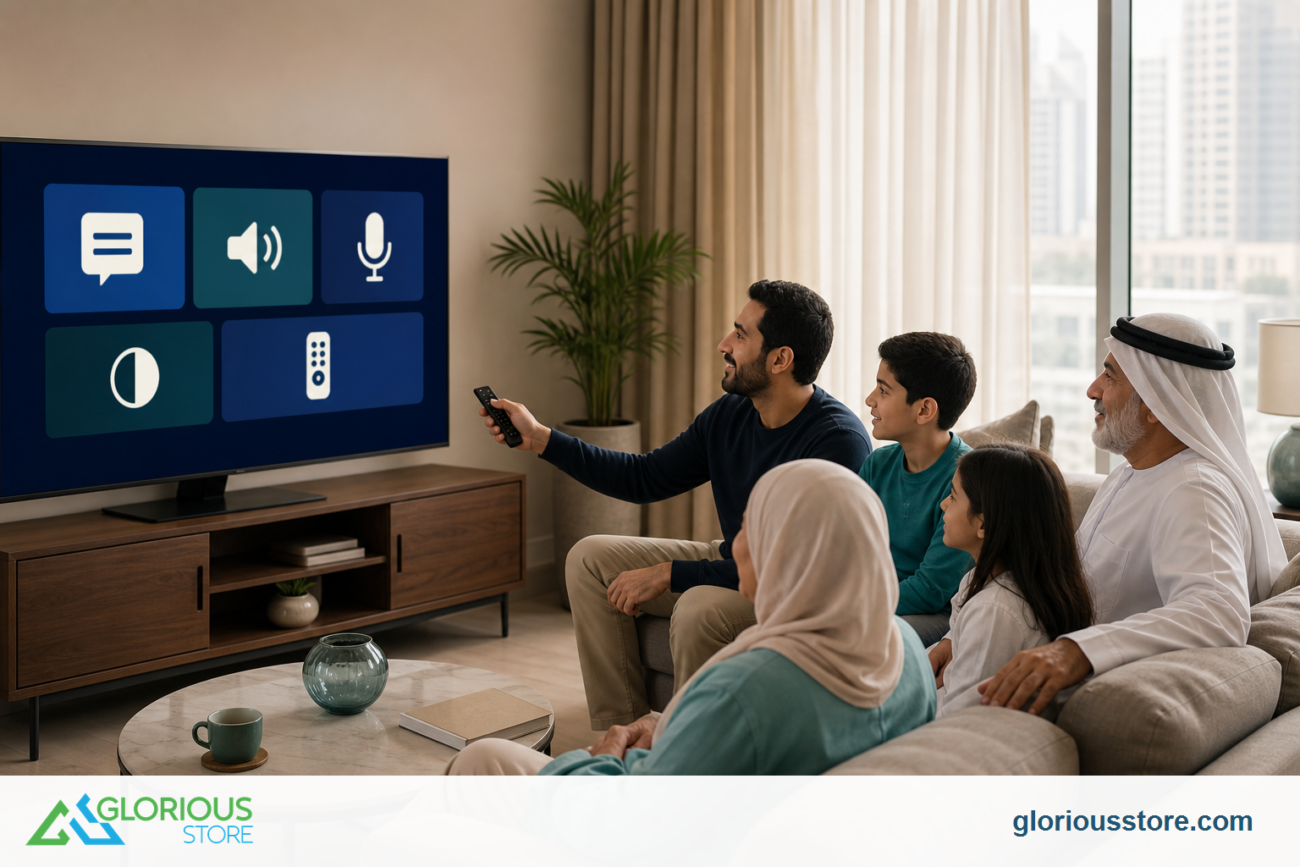
Review microphone controls, activity settings and personal-results options during setup. Use separate profiles where appropriate; do not enable photo or account integrations merely because they are offered.
Google says Gemini responses can vary and should be checked for accuracy. That matters when a TV assistant recommends content, summarizes information or changes settings. After any voice-adjusted picture or sound change, verify the result manually. Keep a straightforward way to return to a known picture mode and do not rely on generated answers for safety-critical information.
Frequently asked questions
Is Gemini for TV available in the UAE now?
Do not assume so. Google’s live help page lists selected devices, countries and languages and describes broader expansion by late 2026. Check that page and the exact TV on the day you buy. A UAE retailer selling Google TV does not by itself confirm Gemini availability.
Will every Google TV with 2 GB of RAM get Gemini?
No guarantee is stated. Android TV OS 14 or later and at least 2 GB of RAM are eligibility conditions mentioned for additional devices, but device selection, country, language, account and rollout timing still matter.
Do current StarSat Google TVs support Gemini?
The three Glorious Store pages checked for this article do not confirm Gemini for TV, Android TV OS 14 or RAM. They do confirm current Google TV and other model-specific features. Ask Glorious Store to verify the exact unit rather than inferring compatibility.
Is Google Assistant the same as Gemini for TV?
No. A listing may describe Google Assistant or voice control while Gemini for TV remains unavailable. Use the exact assistant shown on the television and Google’s current eligibility documentation.
Should I wait for Gemini before buying a TV?
Only if that feature is essential and you can wait for a confirmed UAE-compatible model. If you need a television now, choose based on verified picture, size, ports, apps, audio and warranty. Treat an unconfirmed AI update as having zero purchase value.
Ask for the exact-unit check
The safest buying question is not “Does this have Google TV?” It is “What does this exact unit support today?” Compare the current StarSat Google TV listings, then contact Glorious Store with the model code and the five eligibility questions above. Recheck stock and software details immediately before ordering.
Sources
- Google TV Help: Do more with Gemini for TV, accessed September 8, 2026.
- Google: Upcoming Gemini for Google TV features, January 5, 2026; accessed September 8, 2026.
- Google: Gemini comes to Google TV, September 22, 2025; accessed September 8, 2026.
- IFA Berlin 2026 program press release, February 17, 2026; event September 4–8, 2026.
- Glorious Store live product and collection pages linked above, checked September 8, 2026.
Leave a comment