

Smart TVs are packed with modern features, but when it comes to satellite TV, many people still wonder whether a separate receiver is required. The answer depends on what you want to watch and what your TV supports.
🧩 Built-in Satellite Tuners
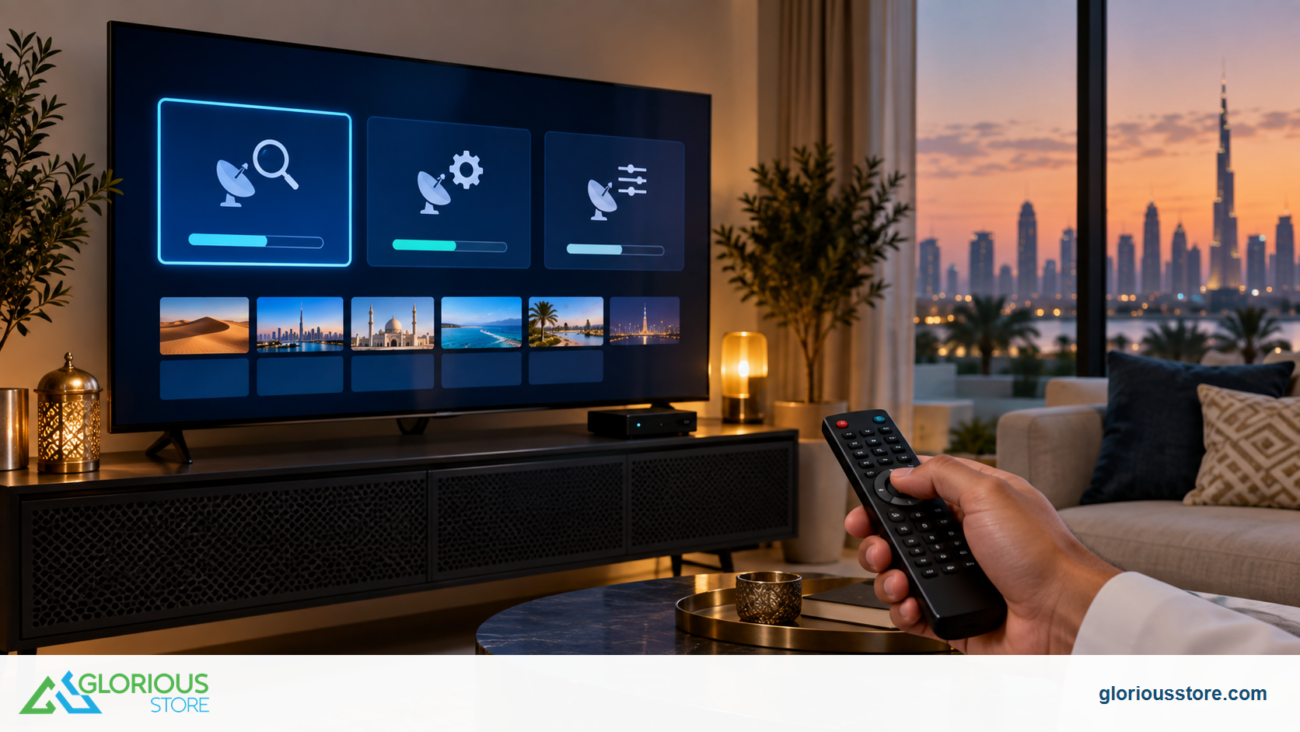
Some smart TVs come with a built-in satellite tuner. If your TV has one, you can connect your satellite dish cable directly into the TV. This allows you to scan satellite channels without any extra hardware.
Look for a port labeled “Satellite In” or “DVB S2” on the back of your TV. If you see it, your TV already acts as the receiver.

📦 When You Still Need a Receiver
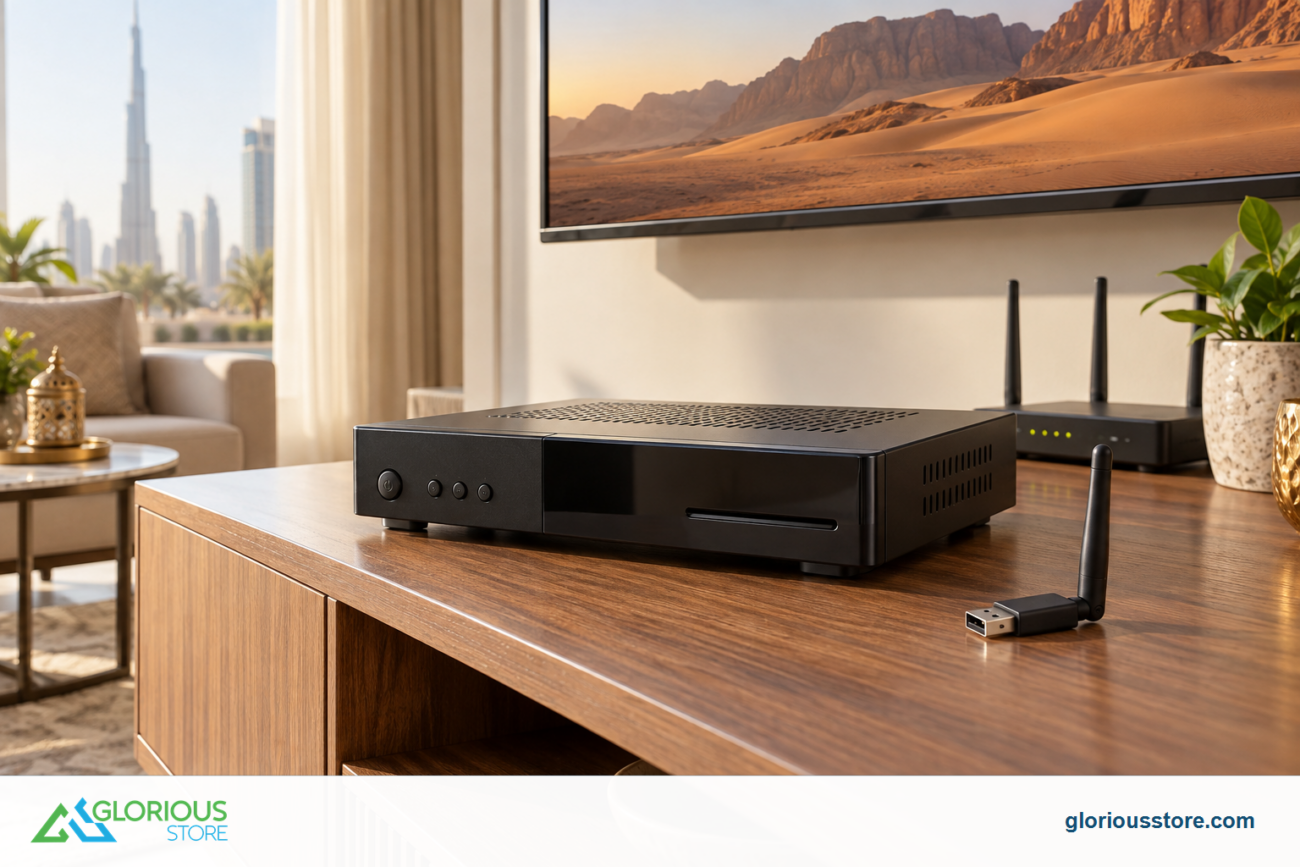
You will need an external satellite receiver if:
- Your TV does not support DVB S or DVB S2
- You want premium features like recording, IPTV, lifetime servers, or advanced channel organization
- You want to unlock more channel types that your TV cannot decode
- Your dish setup uses multi LNB configurations that require a proper receiver to manage signals
🎯 Why Many People Still Prefer a Receiver
Even if a TV has a built-in tuner, a dedicated receiver often provides:
- Faster channel switching
- Better picture handling
- More satellite options
- Extra apps and streaming features
- Stronger signal management

✔️ Final Answer
You can use satellite TV on a smart TV without a receiver only if the TV has a built-in satellite tuner. Otherwise, an external receiver is required to decode the signal.
If you want the simplest setup, check the back of your TV for the satellite input. If it is missing, you definitely need a receiver.
Go get yours now!
https://gloriousstore.com/starsat/4k-uhd-led-tvs/
https://gloriousstore.com/starsat/satellite-hd-recievers/
https://gloriousstore.com/starsat/ip-receivers/


Leave a comment