

Watching satellite TV should be seamless, but many users encounter problems where their TV does not pick up channels. This can happen due to signal issues, misaligned dishes, faulty cables, or receiver settings. Understanding the potential causes and knowing how to troubleshoot them can save you time and improve your viewing experience.
🛰️ Common Reasons Your TV Isn’t Receiving Satellite Channels
Several factors can prevent your TV from picking up channels:
- Dish Misalignment
- A small tilt or rotation can prevent the dish from capturing the satellite signal.
- Loose or Damaged Cables
- Coaxial cables connecting the dish to the receiver may be loose or damaged.
- Faulty LNB (Low Noise Block)
- The LNB on the dish captures signals. If it’s damaged or misaligned, your channels may not appear.
- Receiver Issues
- Incorrect settings or outdated firmware can prevent the receiver from decoding channels.
- Satellite Outage
- Rarely, the satellite itself may be temporarily down for maintenance.
- Weather Conditions
- Heavy rain, storms, or snow can temporarily weaken the satellite signal. 🌧️❄️
- Incorrect TV Input or Source
- Ensure your TV is set to the correct HDMI or AV input connected to the satellite receiver.

🔧 How to Troubleshoot Satellite Channel Issues
Step 1: Check Dish Alignment
- Use a satellite finder meter to ensure the dish is pointing to the correct satellite.
- Adjust azimuth and elevation slightly if the signal is weak.
Step 2: Inspect Cables and Connections
- Check all coaxial cables for cuts, wear, or loose connections.
- Replace damaged cables immediately.
Step 3: Test the LNB
- Ensure the LNB is properly mounted and free from dirt or damage.
- Replace the LNB if necessary.
Step 4: Check Receiver Settings
- Verify satellite settings, frequency, and transponder information.
- Update the firmware to the latest version.
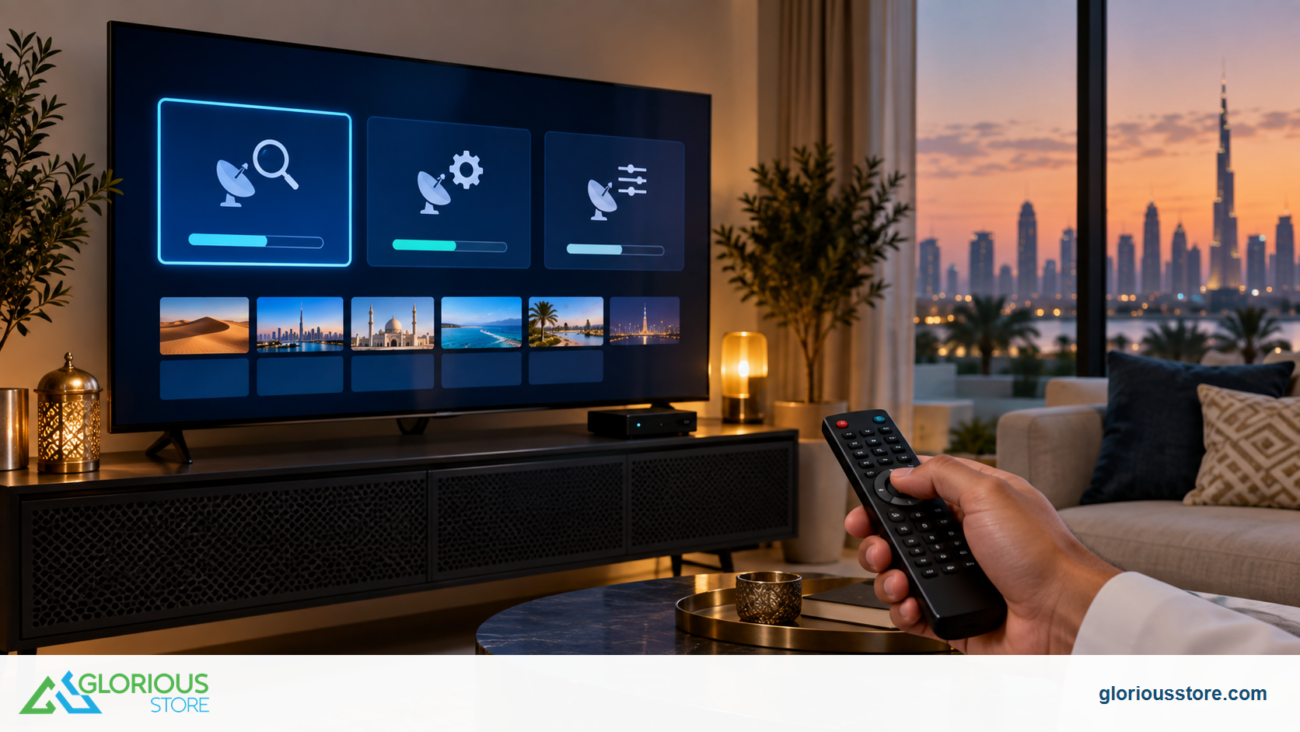
Step 5: Scan for Channels
- Run an automatic channel scan on your receiver.
- Some receivers allow manual input of transponder frequency for better accuracy.
Step 6: Consider Weather and Obstructions
- Remove any physical obstructions blocking the line of sight between your dish and the satellite.
- Wait out temporary weather-related signal issues.

⚖️ Comparing Common Issues
| Issue Type | Symptom | Suggested Fix |
|---|---|---|
| Misaligned dish | Weak/no channels | Adjust elevation and azimuth |
| Faulty LNB | No channels on certain transponders | Replace LNB |
| Damaged cables | Intermittent channels | Replace coaxial cable |
| Receiver settings | Channels not decoding | Reconfigure or update firmware |
| Weather interference | Signal loss during storms | Wait or improve dish protection |
🌍 Tips for Stable Satellite Signal
- Ensure the dish has a clear view of the sky, free from trees or buildings. 🌳🏢
- Use premium coaxial cables for minimal signal loss.
- Keep your receiver updated with the latest firmware.
- Invest in a high-quality LNB for better reception.
✅ Conclusion
If your TV is not picking up satellite channels, the problem is usually dish alignment, cables, LNB, or receiver settings. By carefully troubleshooting each component and using proper tools, you can restore clear and reliable satellite reception. Regular maintenance and updates also help prevent future issues.
FAQs (People Also Ask Style)
1. Why is my satellite receiver showing no signal?
Common reasons include dish misalignment, faulty cables, or LNB issues.
2. Can bad weather cause satellite channels to disappear?
Yes, rain, storms, or snow can weaken or block the signal temporarily.
3. How do I realign my satellite dish?
Use a satellite finder meter, adjust azimuth and elevation, and fine-tune for maximum signal strength.
4. Do I need a new receiver to fix missing channels?
Not always. Check settings and firmware first; replace only if the receiver is faulty.
5. Can obstructions affect satellite signal?
Yes, trees, buildings, or other objects blocking the dish line-of-sight can cause channel loss.
Go get yours now!
https://gloriousstore.com/starsat/4k-uhd-led-tvs/
https://gloriousstore.com/starsat/4k-satellite-receivers/
https://gloriousstore.com/starsat/ip-receivers/
https://gloriousstore.com/starsat/satellite-hd-recievers/




Leave a comment