

Installing a satellite dish and receiver may seem complex at first, but with the right steps and tools, you can set up your entire system confidently at home. Whether you want high quality TV channels or stable satellite connectivity, understanding the correct installation procedures is essential. This guide will walk you through everything you need to know to install a satellite dish and receiver correctly and safely. 🚀📡
What You Need Before Starting 🧰
Before installing your satellite dish and receiver, gather the following items:
- Satellite dish
- LNB
- Coaxial cables (RG6 recommended)
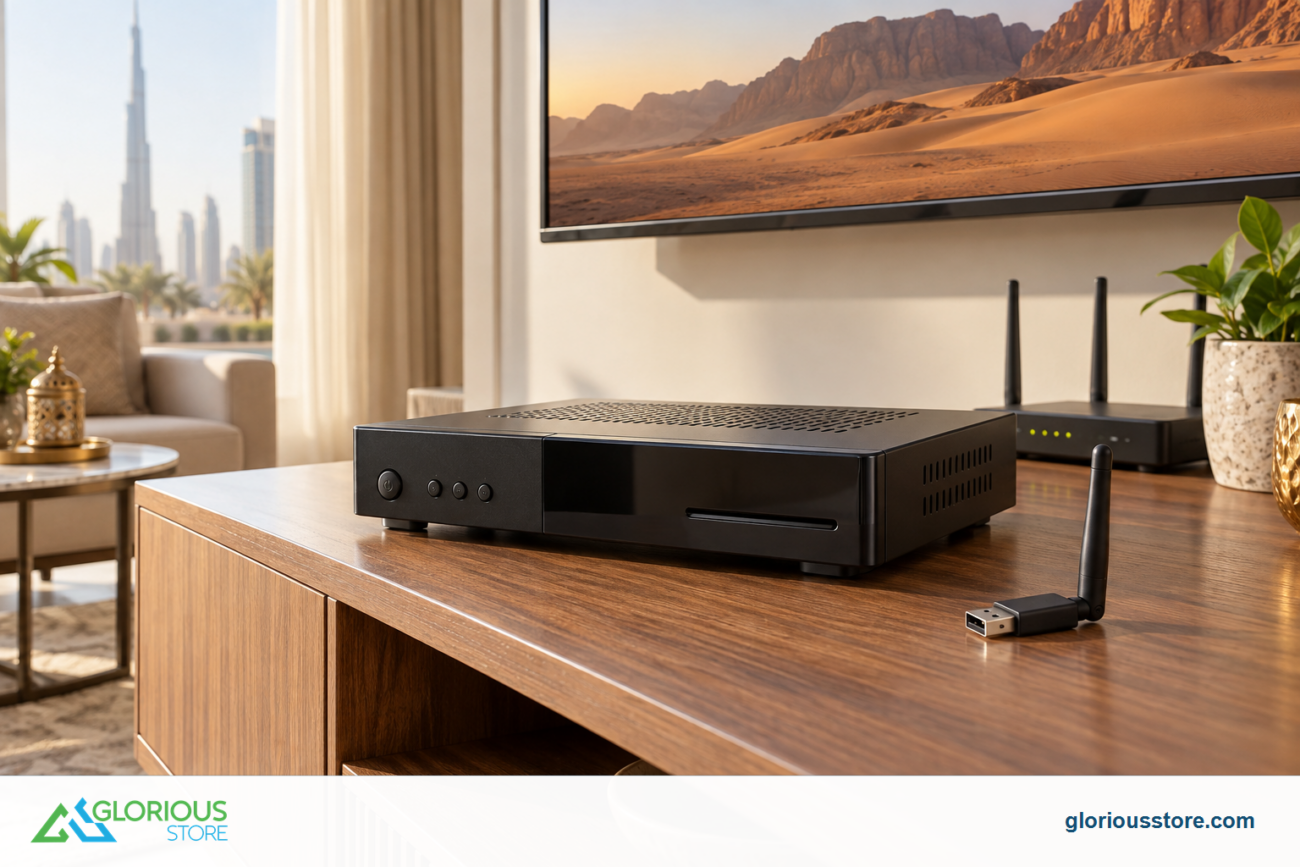
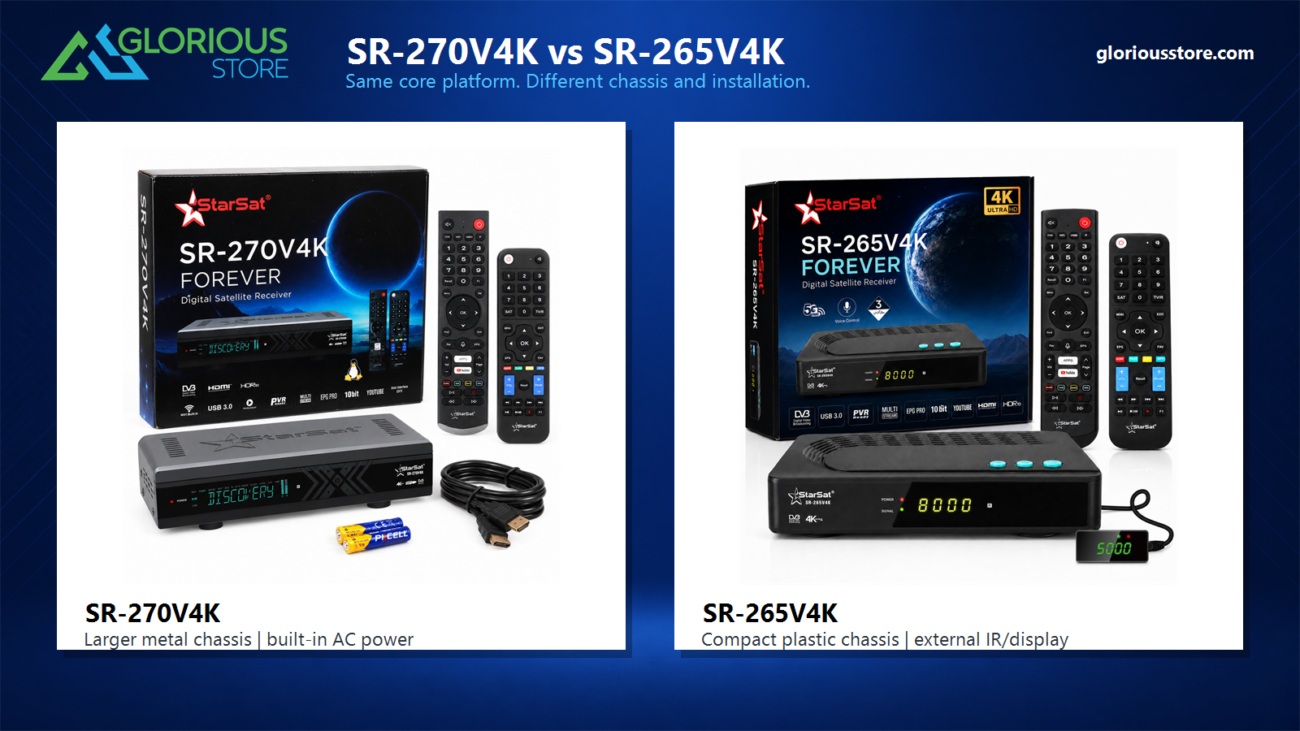
- Satellite receiver
- Mounting brackets
- Compass or satellite finder
- Screws and power drill
- TV with HDMI or AV ports
Step 1: Choose the Best Location for Your Satellite Dish 🌤
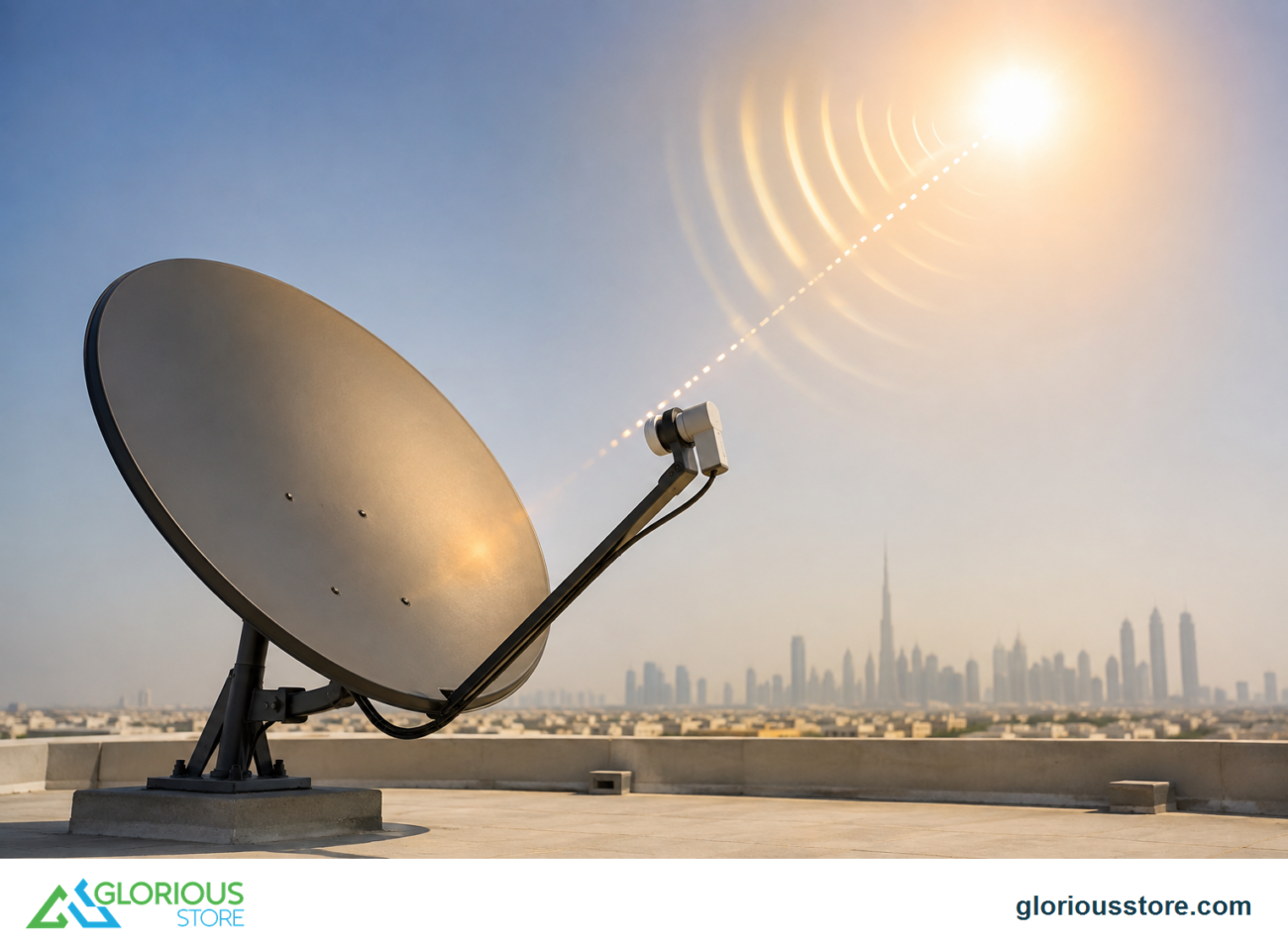
Selecting the right spot is the foundation of a successful installation. The dish must have an unobstructed view of the southern sky (or direction of your regional satellites).
Tips for ideal placement
- Choose a location with no trees or buildings blocking the signal
- Mount the dish on a solid surface
- Check for wind stability
- Ensure the mounting pole is perfectly vertical
A stable and open location increases your chances of getting a strong, consistent signal.

Step 2: Install the Mounting Bracket 🔩
Use the provided screws to secure the mounting bracket firmly. Make sure the bracket is level, as an uneven installation will affect the dish alignment.
Safety tip
Always double check that the surface can support the dish weight, especially when installing on a rooftop.
Step 3: Attach the Satellite Dish to the Mount 📡
Once the bracket is secured, attach the dish. Tighten the bolts lightly at first so you can adjust it later during alignment.
Step 4: Install the LNB and Connect the Coaxial Cable 🔌
Slide the LNB into its holder and tighten the clamp. Connect the coaxial cable to the LNB port.
Cable tips
- Use weatherproof tape on outdoor connections
- Avoid bending the cable too sharply
- Keep the cable length as short as possible for stronger signal

Step 5: Align the Satellite Dish Using a Signal Finder 🧭
This is the most important part of the installation process.
How to align the dish
- Set the elevation using the marks on the dish
- Slowly move the dish left and right while checking signal strength
- Use a satellite finder or the receiver signal menu
- Tighten the bolts once the strongest signal is achieved
A signal strength above 70 percent is ideal for most receivers.
Step 6: Connect the Satellite Receiver to Your TV 📺
Run the coaxial cable from the dish to the receiver input port. Then connect the receiver to your TV using HDMI or AV cables.
Receiver setup
- Power on the receiver
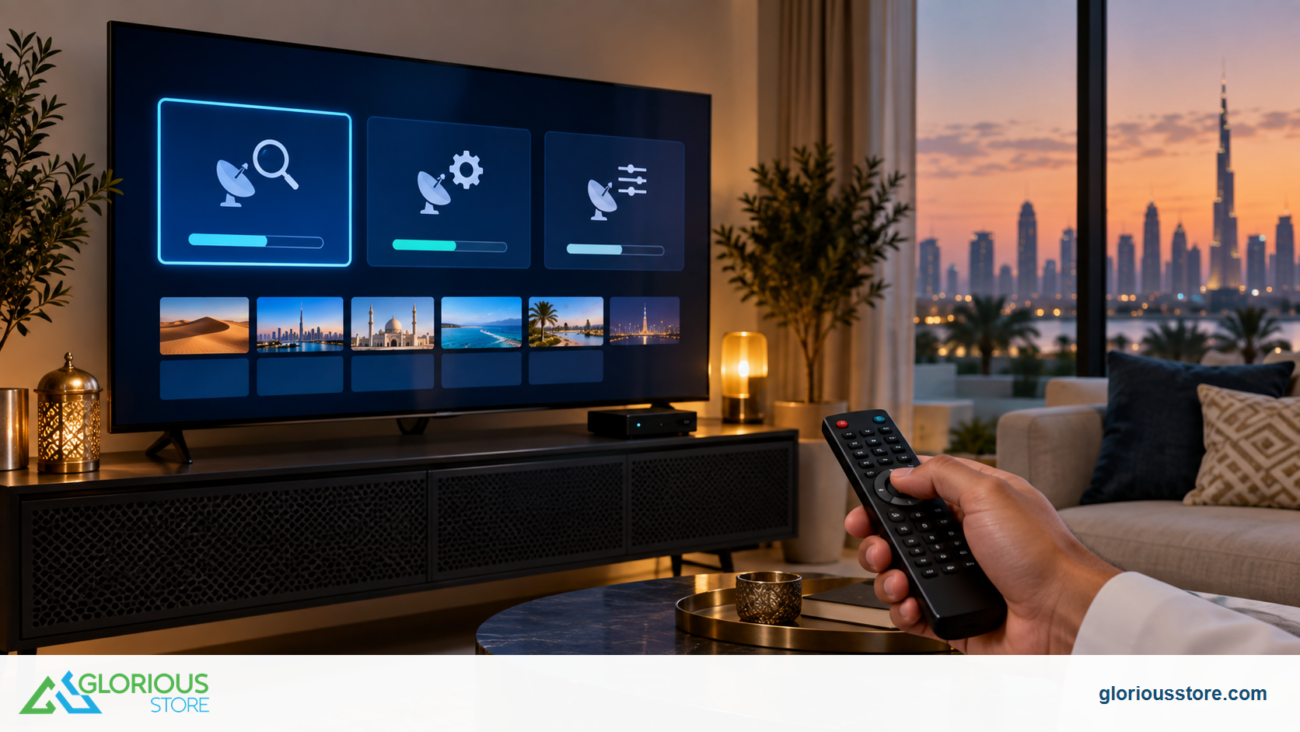
- Perform a channel scan
- Select the correct satellite
- Update the software if required
This step ensures your system is synchronized with available satellite channels.
Step 7: Perform Final Signal Optimization ✔️
Even after completing the setup, fine tuning can enhance picture quality.
Things to check
- Signal strength
- Signal quality
- Cable tightness
- LNB skew angle
Small adjustments can make a big difference, especially in regions with changing weather.
Common Mistakes to Avoid ❌
- Installing the dish indoors
- Using low quality coaxial cables
- Skipping the grounding wire
- Poor dish alignment
- Not tightening the mount fully
Avoiding these mistakes ensures a stable and long lasting installation.
Conclusion and CTA 🛒
Setting up your satellite dish and receiver the right way guarantees the best viewing experience. Now that you know how to install everything correctly, you can enjoy uninterrupted satellite channels and stable signal quality.
If you need high quality satellite receivers, dish kits, cables, or installation accessories, explore the trusted products available at gloriousstore.com and upgrade your setup today. 📡✨
Go get yours now!
https://gloriousstore.com/starsat/4k-uhd-led-tvs/
https://gloriousstore.com/starsat/4k-satellite-receivers/
https://gloriousstore.com/starsat/ip-receivers/
https://gloriousstore.com/starsat/satellite-hd-recievers/
https://gloriousstore.com/starsat/satellite-finder/


Leave a comment