
HDMI 2.2 has brought bigger numbers back into television conversations: up to 96 Gbps, new Ultra96 branding and support for future video formats. That does not make every HDMI 2.1 television outdated. For most homes in the UAE, the useful question is simpler: does the exact TV, on the exact input, support the resolution, refresh rate, gaming and audio features you will actually use?
This HDMI 2.2 vs 2.1 UAE guide turns the specification language into a practical checklist. It also compares three currently available StarSat Google TVs without assuming that an HDMI version label guarantees every feature.
Why HDMI 2.2 Is Timely in September 2026
HDMI Licensing Administrator published a fresh HDMI 2.2 explainer on August 19, 2026. It describes bandwidth up to 96 Gbps, the Ultra96 feature name and a new Latency Indication Protocol designed to help connected devices exchange latency information for better audio/video synchronization. The update arrived as IFA 2026 put home entertainment and gaming among its major consumer-technology categories.
Those are meaningful developments for next-generation displays and complex AV systems. They are not a reason to discard a good 4K TV. HDMI LA says existing Ultra High Speed HDMI cables continue to support systems needing up to 48 Gbps, while Ultra96 identifies products designed for 64, 80 or 96 Gbps. In other words, HDMI 2.2 expands the ceiling; it does not erase the value of proven HDMI 2.1 features.
HDMI Version Numbers Are Not Complete Feature Lists
This is the most important buying rule. HDMI LA states that specification version numbers are not feature sets because individual features are optional. A product marketed around HDMI 2.1 should identify which HDMI 2.1 features it supports. The same principle appears in HDMI 2.2 guidance: version numbers cannot be used by themselves to define a product’s capabilities.
That means “HDMI 2.1” does not automatically prove 4K at 120 Hz, VRR, ALLM, eARC, every Dynamic HDR format or full bandwidth on every port. Likewise, “HDMI 2.2” should be tied to a named capability such as Ultra96 or LIP rather than treated as a universal quality badge.
Ask for outcomes, not only a connector label
Before buying, write down your source devices and desired results. A streaming box may need dependable 4K60 and HDR. A current console may benefit from 4K120, VRR and ALLM. A soundbar may need eARC on one specific input. A receiver, console and soundbar together may make the number and placement of ports just as important as maximum bandwidth.
The 4K TV Features That Matter Today
4K at 120 Hz
4K120 combines 4K resolution with a 120 Hz signal. HDMI 2.1 introduced support for this class of high-frame-rate video, but the source, game, TV input, television settings and cable all have to support the path. A 120 Hz panel claim by itself does not prove that every HDMI input accepts 4K120.
Sony’s current PlayStation 5 support guide tells users to check the connected device’s reported resolution, VRR and HDR capability, and notes that 120 Hz output requires both the TV and the game to support it. That is a good model for any setup: verify the negotiated signal instead of assuming it from packaging.
Variable Refresh Rate (VRR)
VRR lets a compatible display adjust its refresh timing to the frames delivered by a compatible console or PC. HDMI LA explains that this can reduce or eliminate tearing, judder and related interruptions when frame delivery varies. It improves supported gameplay; it does not raise a game’s frame rate or repair a weak network connection.
Auto Low Latency Mode (ALLM)
ALLM lets a compatible source signal the TV to use its low-latency mode. It can save you from manually switching picture modes when moving between games and movies. It is not the same feature as VRR, even though the two are often used together.
eARC and port planning
Enhanced Audio Return Channel can carry advanced audio from the TV to a compatible soundbar or AV receiver. Check which physical port carries eARC and whether using it leaves enough suitable inputs for your console, receiver and other sources. If a television has only one input that meets your highest-performance requirement, plan the cable route before wall mounting.
Current StarSat 4K TV Options at Glorious Store
Glorious Store checked these live listings on September 13, 2026. Stock and specifications can change, so recheck the linked page and confirm any must-have input behavior before ordering.
| Current model | Verified listing details | Stock checked Sept. 13 | Best fit and what to confirm |
|---|---|---|---|
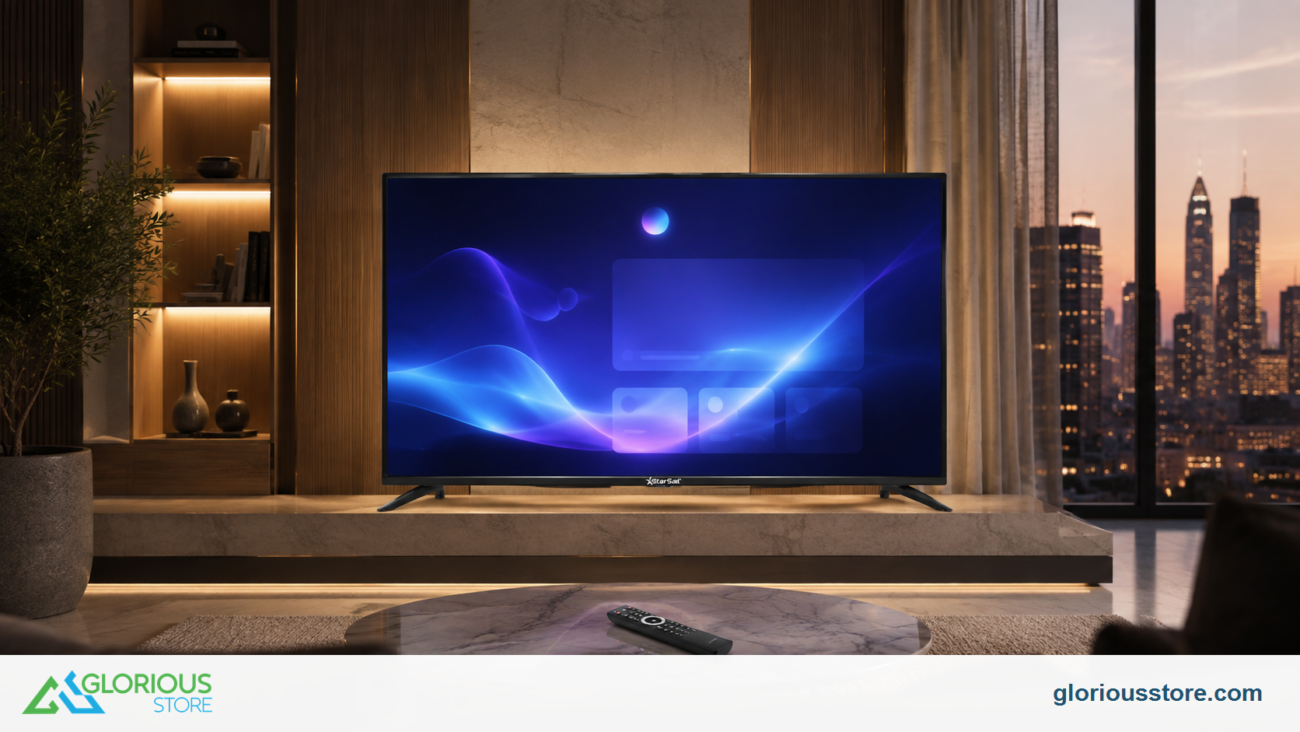
| StarSat Google50 Smart 4K UHD LED TV | 50-inch 4K Google TV; product tags include HDMI 2.1, VRR and ALLM; description says multiple HDMI and USB ports | 10 | Compact rooms; ask which input supports each gaming feature and the maximum accepted refresh rate |
| Starsat SV-CG55T2S2 55-inch UHD Smart TV | 4K Google TV, HDMI 2.1, USB 3.0, Ethernet, Dolby Vision/Atmos, HDR10+ and listed VRR/ALLM | 50 | Middle-size choice; confirm HDMI input count, 4K120 acceptance and eARC port before purchase |
| Starsat SV-CG65T2S2 65-inch UHD Smart TV | 4K Google TV, four listed HDMI 2.1 inputs, three USB 3.0 ports, Ethernet, VRR/ALLM, listed 120 Hz and 40 W audio | 50 | Larger rooms and multi-device setups; confirm which inputs accept 4K120 and how the 120 Hz specification applies |
The 65-inch listing provides the most detailed gaming and connection claims of the three. It is still responsible to confirm exact input behavior, firmware and cable requirements for your console or PC. The 50- and 55-inch listings can be sensible choices when room fit matters more than maximum screen size, but their pages do not document every signal limit.
For screen-size planning, use the separate UAE 4K TV viewing-distance guide. For picture modes after installation, see the football TV settings guide. This article stays focused on ports, signal features and cable verification.
A Six-Step HDMI Setup Check
- List every source. Include the console, satellite receiver, streaming box, soundbar and any PC you expect to connect.
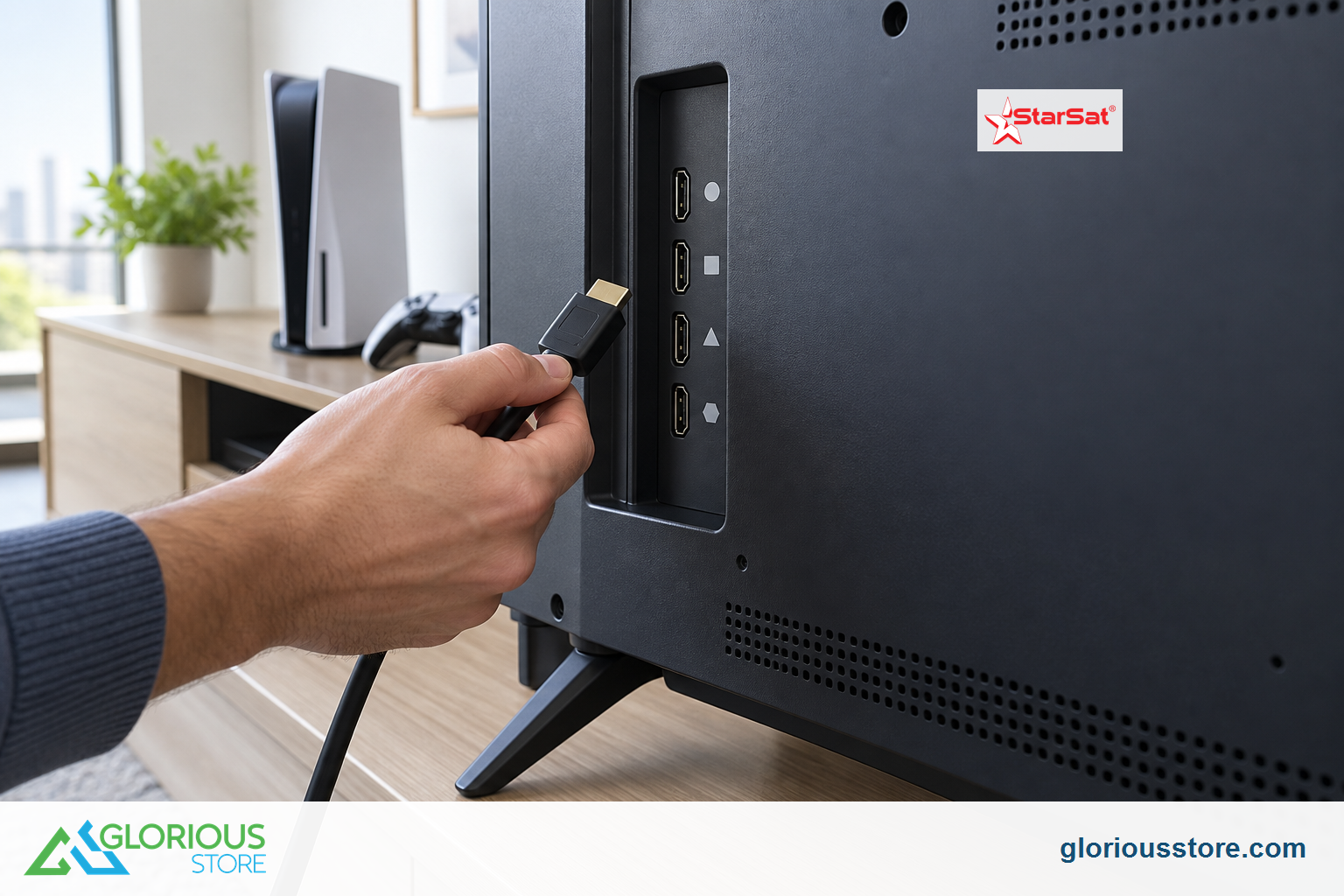
- Match features to individual inputs. Use the TV manual or written seller confirmation to identify 4K120, VRR, ALLM and eARC support by port.
- Use the right cable category. HDMI LA says an Ultra High Speed HDMI cable is intended for systems up to 48 Gbps and formats including 4K120. Certified packages carry a scannable label. Ultra96 cables are for systems using the new higher-bandwidth Ultra96 feature.
- Enable enhanced input mode if required. Some televisions keep high-bandwidth features off until an enhanced, game or deep-color input option is enabled.
- Check the source’s status screen. On PS5, for example, the Video Output menu reports current resolution and information about the connected HDMI device. Other consoles and PCs have similar display summaries.
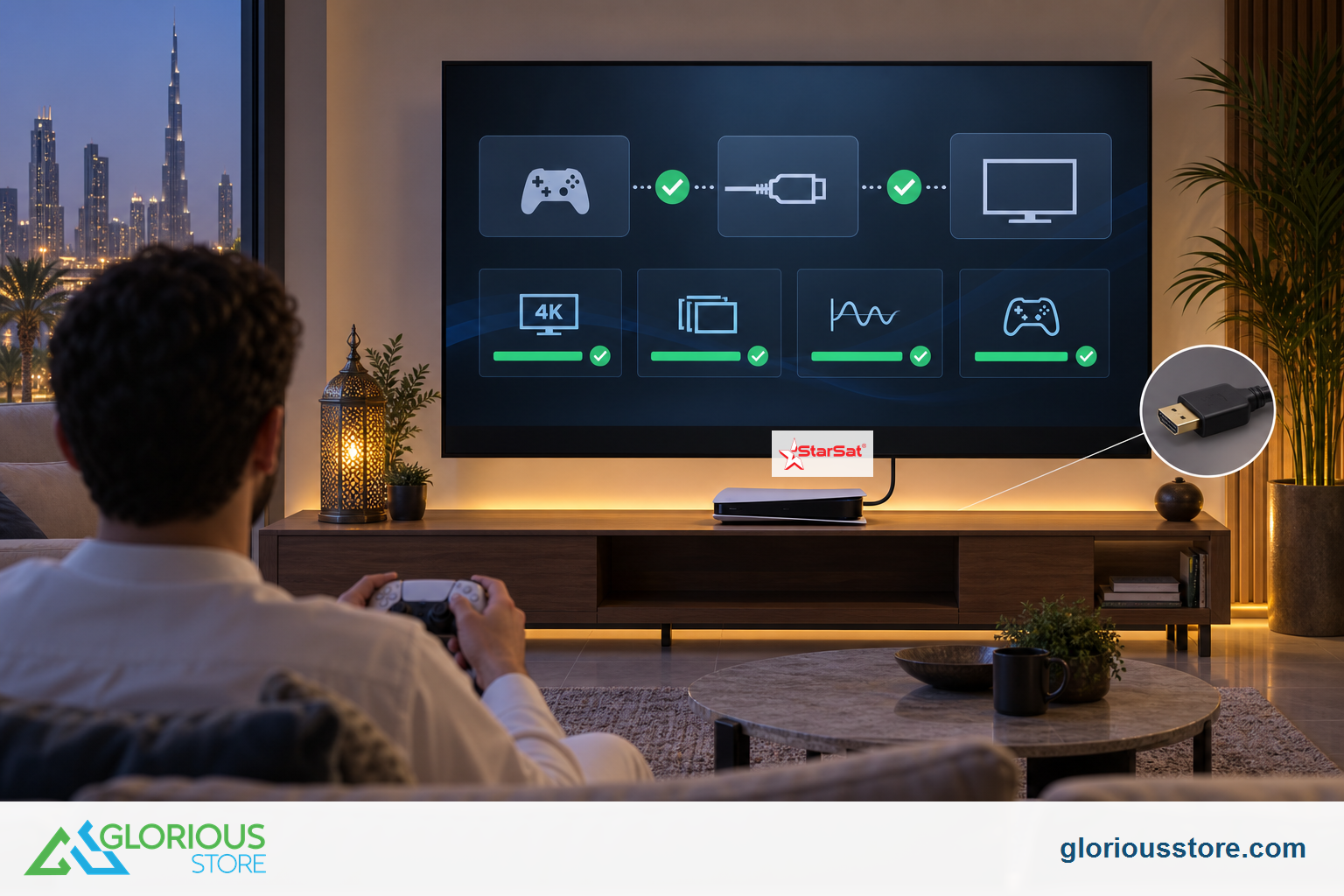
- Test real content. Use a supported game or video mode, then confirm stable picture, audio and switching. If you see flicker or dropouts, simplify the chain by connecting the source directly to the TV before blaming the display.
When HDMI 2.2 Could Matter
HDMI 2.2 is most relevant when you are planning for bandwidth above 48 Gbps, very high future resolutions or refresh rates, or a multi-device system that can benefit from LIP. HDMI LA says Ultra96 may appear on packaging, specifications, ports or menus to identify 64, 80 or 96 Gbps capability. That is a specific, checkable signal.
For a typical 4K television purchase in 2026, there is no automatic need to wait for HDMI 2.2. A verified HDMI 2.1 feature set can already cover 4K120, VRR, ALLM and eARC. Buying a mature model with the right inputs may be more useful than paying for unused bandwidth. Choose HDMI 2.2 when its named capability solves a real requirement, not simply because 2.2 is a higher number.
Common Buying Mistakes to Avoid
- Assuming every HDMI input is equal. Port capabilities can differ, especially when eARC or the highest refresh rate is limited to selected inputs.
- Treating VRR and 120 Hz as synonyms. VRR changes refresh timing within a supported range; 120 Hz describes a refresh/output rate.
- Buying a cable by version number alone. HDMI rules do not allow version numbers as cable labels. Look for the official cable category and certification label.
- Ignoring the middle of the signal chain. An older soundbar or AV receiver can limit video features if the console passes through it.
- Confusing a listed feature with universal compatibility. Firmware, source settings, game support and model revisions can affect the final result.
Frequently Asked Questions
Is HDMI 2.2 better than HDMI 2.1 for every 4K TV?
No. HDMI 2.2 raises the maximum bandwidth and adds capabilities such as Ultra96 and LIP, but many 4K setups do not need them. Compare the exact supported features and inputs with your devices.
Do I need HDMI 2.2 for 4K at 120 Hz?
No. 4K120 is part of the HDMI 2.1 feature family. You need a compatible source, content, TV input, settings and suitable cable throughout the connection path.
Does an HDMI 2.1 label guarantee VRR and ALLM?
No. HDMI LA says features are optional and version numbers are not complete feature sets. Look for explicit VRR and ALLM support for the exact model.
Do I need a new cable for a current 4K120 console?
Use a certified Ultra High Speed HDMI cable when your setup calls for up to 48 Gbps features such as 4K120. HDMI 2.2’s Ultra96 cable is intended for systems using bandwidth above that range.
Which current StarSat TV has the clearest gaming specification?
Among the three listings checked, the 65-inch SV-CG65T2S2 publishes the most detail: four HDMI 2.1 inputs, VRR/ALLM and a 120 Hz claim. Confirm 4K120 acceptance per port before buying because the listing does not map every signal mode to every input.
Choose the Feature Path You Can Verify
The smartest HDMI 2.2 vs 2.1 decision is based on your actual console, receiver, sound system and room. Browse the current StarSat 4K UHD TV collection, compare the live listings, then contact Glorious Store with your source-device model and the exact features you need. Recheck stock and specifications immediately before ordering.
Sources
- HDMI 2.2: More Bandwidth for Richer Color and Immersive Entertainment, HDMI Licensing Administrator, August 19, 2026.
- HDMI 2.2 Specification Overview and marketing guidance, HDMI Licensing Administrator, accessed September 13, 2026.
- What HDMI 2.1 product marketing means, HDMI Licensing Administrator, February 6, 2022.
- HDMI cables and certification labels, HDMI Licensing Administrator, accessed September 13, 2026.
- PlayStation 5 4K resolution and video-output guide, Sony Interactive Entertainment, accessed September 13, 2026.


Leave a comment