

Many modern TVs come with built-in satellite tuners, but not all. Knowing whether yours does can save you money and help you set up your channels correctly. Here’s how to check.
🔍 1. Look for “DVB-S” or “DVB-S2” in the TV Specifications
If your TV supports satellite signals, the tech spec will list DVB-S or DVB-S2.
- DVB-S = Standard HD satellite support
- DVB-S2 = Newer, more efficient version used by most modern broadcasts
You can find this on the box, manual, or manufacturer website.

🔧 2. Check the Back of Your TV for an “SAT IN” Port
Look for a round screw-type connector labeled SAT, SAT IN, or LNB IN.
If it’s there, your TV has a built-in satellite tuner.
📑 3. Check the TV Menu
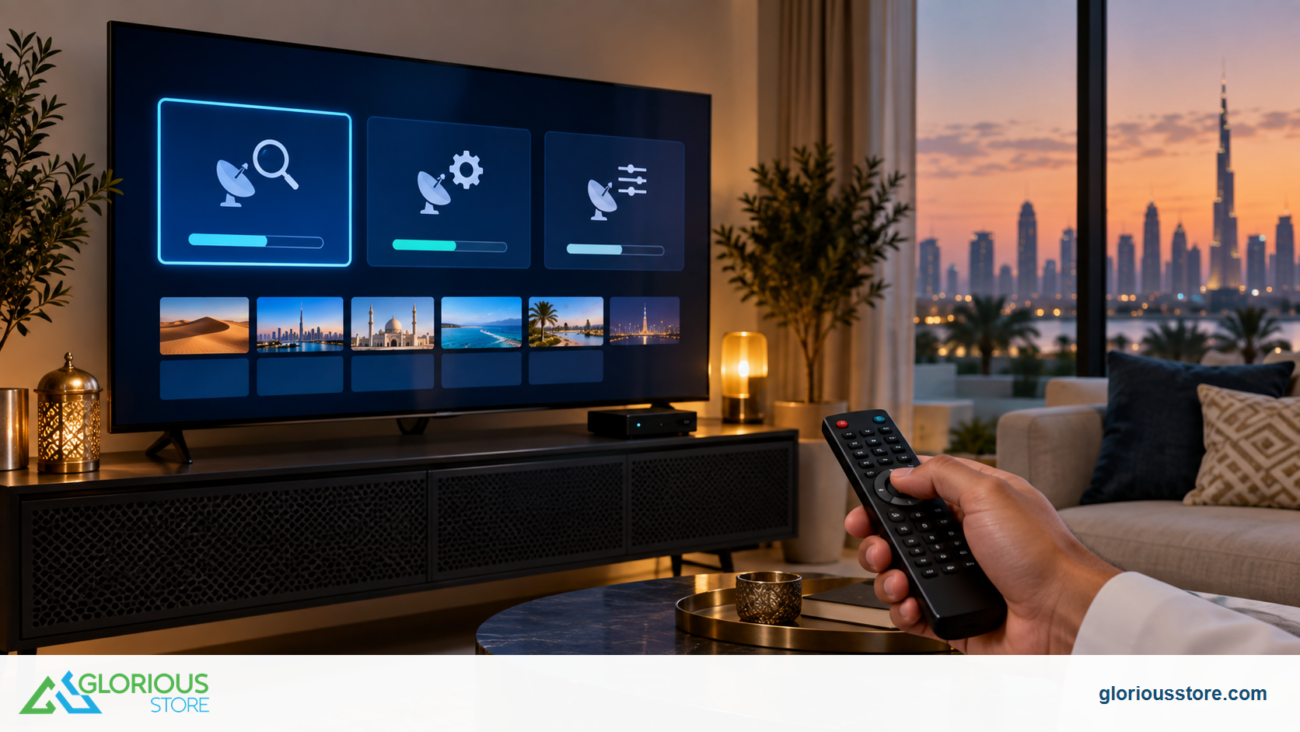
Open your TV settings and go to:
Channels → Tuning → Satellite
If “Satellite” appears as an option, your TV has a satellite receiver built in.

🏷 4. Look for These Keywords
Your TV likely has a satellite tuner if the product page includes any of the following:
- “Built-in Satellite Tuner”
- “Freesat”
- “DVB-S2 Receiver”
- “Satellite Input Support”
📡 5. If Your TV Doesn’t Have One
You’ll need an external satellite receiver, like the ones in the Starsat category on GloriousStore.
Go get yours now!
https://gloriousstore.com/starsat/4k-uhd-led-tvs/
https://gloriousstore.com/starsat/satellite-hd-recievers/
https://gloriousstore.com/starsat/ip-receivers/


Leave a comment