

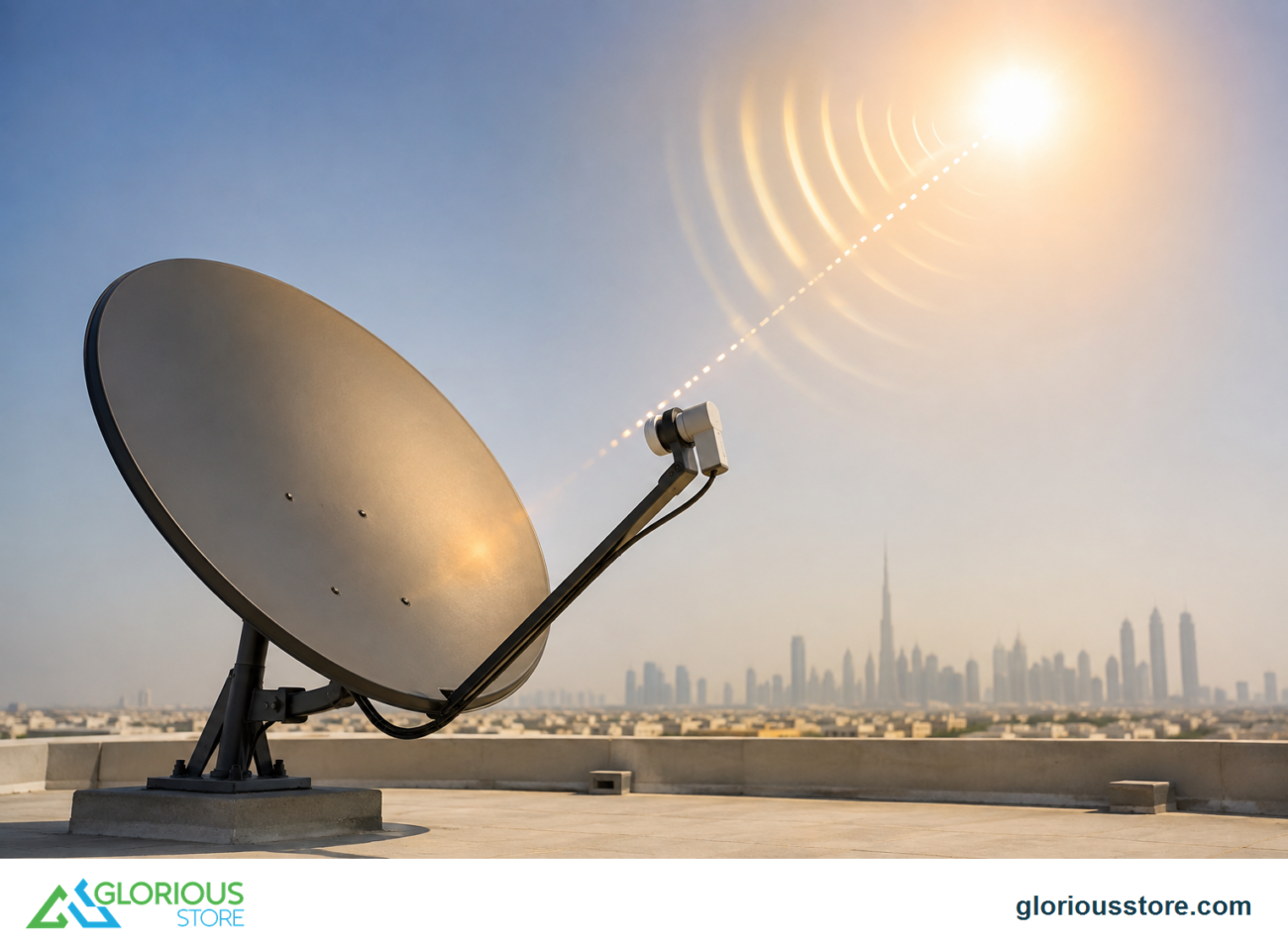
Finding the correct satellite location is essential for clear satellite TV or internet reception. Whether you’re installing a new dish or troubleshooting your setup, knowing the satellite’s position ensures strong signal strength and stable performance. In this guide, we’ll explain how to find satellite location, the tools you need, and techniques for precise alignment.
🛰️ Understanding Satellite Positions
Satellites orbit the Earth in different trajectories. Most home satellite systems use geostationary (GEO) satellites, which remain fixed above the equator at approximately 35,786 km altitude. Key details to understand:
- Orbital Longitude: The satellite’s position over the equator.
- Elevation Angle: How high the dish must tilt from the horizon.
- Azimuth Angle: The compass direction the dish must point.
Knowing these angles allows your dish to align accurately with the satellite signal.

🛠️ Tools Needed to Find Satellite Location
✔️ 1. Satellite Finder Meter
A professional tool that measures signal strength and helps fine-tune alignment.
✔️ 2. Compass or Smartphone Compass App
Used to find the correct azimuth angle for the satellite.
✔️ 3. Mobile Apps & Online Calculators
There are apps and websites that calculate satellite angles based on your location coordinates and desired satellite.
✔️ 4. Adjustable Satellite Dish
A dish with adjustable elevation and azimuth settings ensures precise alignment.

📐 Step-by-Step Guide to Find Satellite Location
Step 1: Identify the Satellite
- Determine which satellite you want to connect to (for example, Arabsat or Nilesat).
- Find its orbital longitude.
Step 2: Determine Your Coordinates
- Use a GPS device or a smartphone to get your exact latitude and longitude.
Step 3: Calculate Elevation and Azimuth
- Use a satellite calculator tool or app.
- Input your coordinates and the satellite’s longitude.
- The calculator will provide azimuth, elevation, and skew angles.
Step 4: Adjust Your Dish
- Set the elevation angle on the dish mount.
- Rotate the dish horizontally to match the azimuth angle.
- Tilt the LNB to match the skew angle for polarization.
Step 5: Fine-Tune Using a Signal Meter
- Connect the signal meter between your LNB and receiver.
- Slowly adjust the dish until the meter shows maximum signal strength.
Step 6: Lock the Dish
- Tighten all bolts and screws to prevent movement.
- Recheck the signal strength after locking.
🔧 Tips for Accurate Alignment
- Ensure a clear line of sight to the satellite without obstructions like trees or buildings. 🌳🏠
- Avoid installing the dish near metal objects that can reflect signals.
- Check for weather conditions, as rain or heavy clouds can temporarily affect reception. 🌧️
- Small adjustments can make a big difference in signal strength.
⚖️ Common Mistakes to Avoid
- Pointing the dish in the wrong azimuth direction
- Incorrect elevation angle or skew
- Loose bolts causing the dish to shift
- Using a low-quality LNB that reduces signal quality
🌍 Why Knowing Satellite Location Matters
- Ensures strong, uninterrupted reception
- Reduces interference and pixelation
- Makes troubleshooting easier if the signal drops
- Allows for multi-satellite setups using DiSEqC switches
✅ Conclusion
Finding the satellite location is crucial for reliable satellite TV or internet. By understanding azimuth, elevation, and skew angles, and using the right tools, you can align your dish accurately for optimal signal reception. Whether you’re installing a new dish or adjusting an existing setup, following these steps ensures consistent, high-quality viewing.
FAQs (People Also Ask Style)
1. How do I find the exact satellite location for my area?
Use your coordinates and an online satellite calculator or mobile app to determine azimuth, elevation, and skew angles.
2. Can I align a satellite dish without a meter?
Yes, but a signal meter ensures more accurate and faster alignment.
3. What if my dish loses signal after alignment?
Check for obstructions, cable issues, or LNB misalignment. Small adjustments may restore signal.
4. Can multiple satellites be accessed with one dish?
Yes, using DiSEqC switches or a motorized mount.
5. Does weather affect satellite signal?
Heavy rain, storms, or snow can reduce signal temporarily, especially for smaller dishes.
Go get yours now!
https://gloriousstore.com/starsat/4k-uhd-led-tvs/
https://gloriousstore.com/starsat/4k-satellite-receivers/
https://gloriousstore.com/starsat/ip-receivers/
https://gloriousstore.com/starsat/satellite-hd-recievers/
https://gloriousstore.com/starsat/satellite-finder/




Leave a comment