

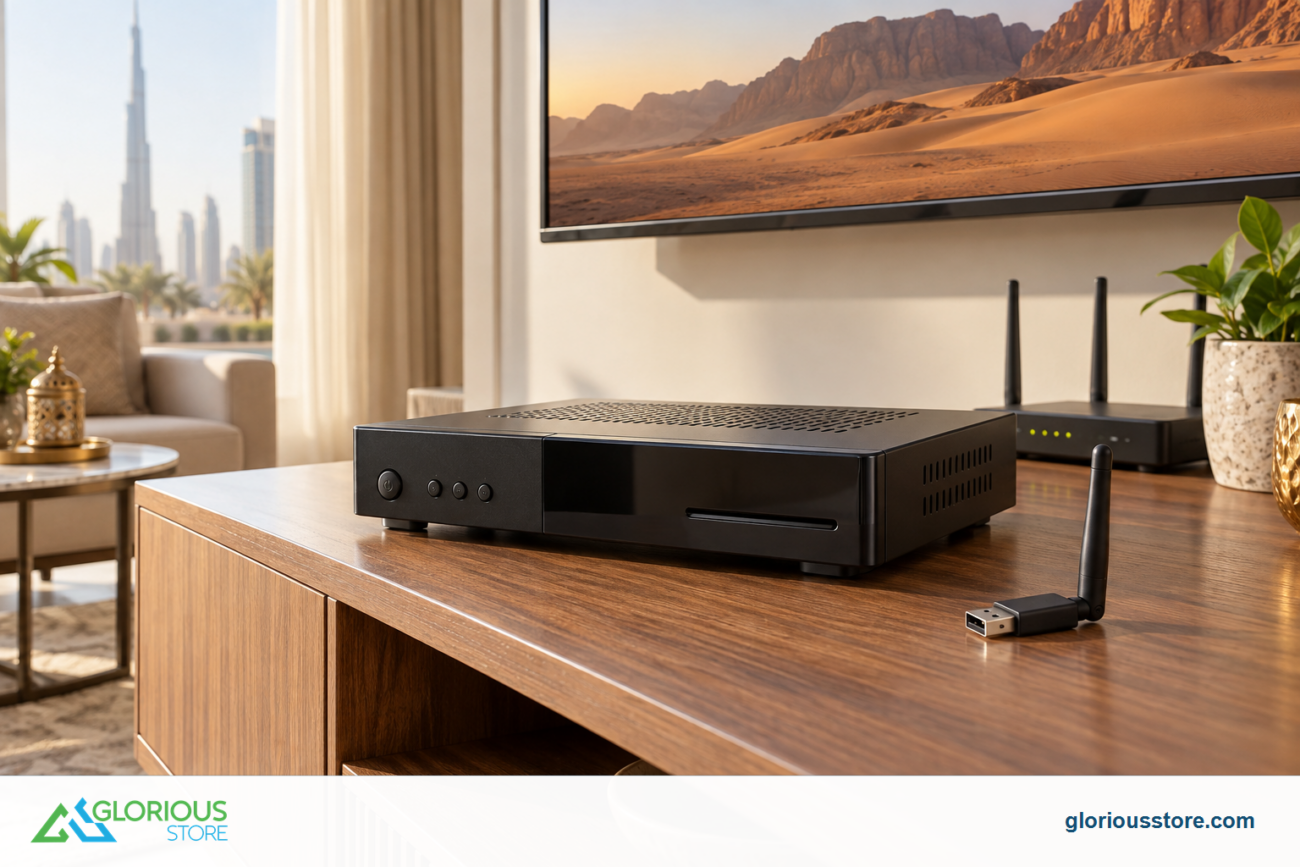
Experiencing “No Signal” on your satellite TV or internet can be frustrating. Whether it’s Starsat, Tiger, or another receiver, a signal loss usually points to issues with the dish, cables, or receiver. The good news is that most problems can be fixed with simple troubleshooting steps. In this guide, we’ll show you how to fix no signal from a satellite dish, covering everything from cable checks to realigning your dish, so you can enjoy uninterrupted TV and internet service.
Common Causes of No Signal from a Satellite Dish ⚠️
Understanding why your satellite dish is not receiving a signal helps in fixing the problem quickly. Common causes include:
- Loose or damaged cables (coaxial or HDMI)
- Misaligned satellite dish due to wind or accidental movement
- Obstructions like trees, buildings, or debris blocking the signal
- Faulty LNB (Low Noise Block) or receiver hardware
- Weather conditions such as heavy rain, storms, or snow
- Outdated receiver firmware or software
Step-by-Step Guide to Fix No Signal Issues 🛠️
1. Check All Cable Connections 🔌
- Ensure the coaxial cable is securely connected to the LNB and receiver
- Inspect for damaged cables, bent connectors, or corrosion
- Replace cables if necessary for optimal signal transmission

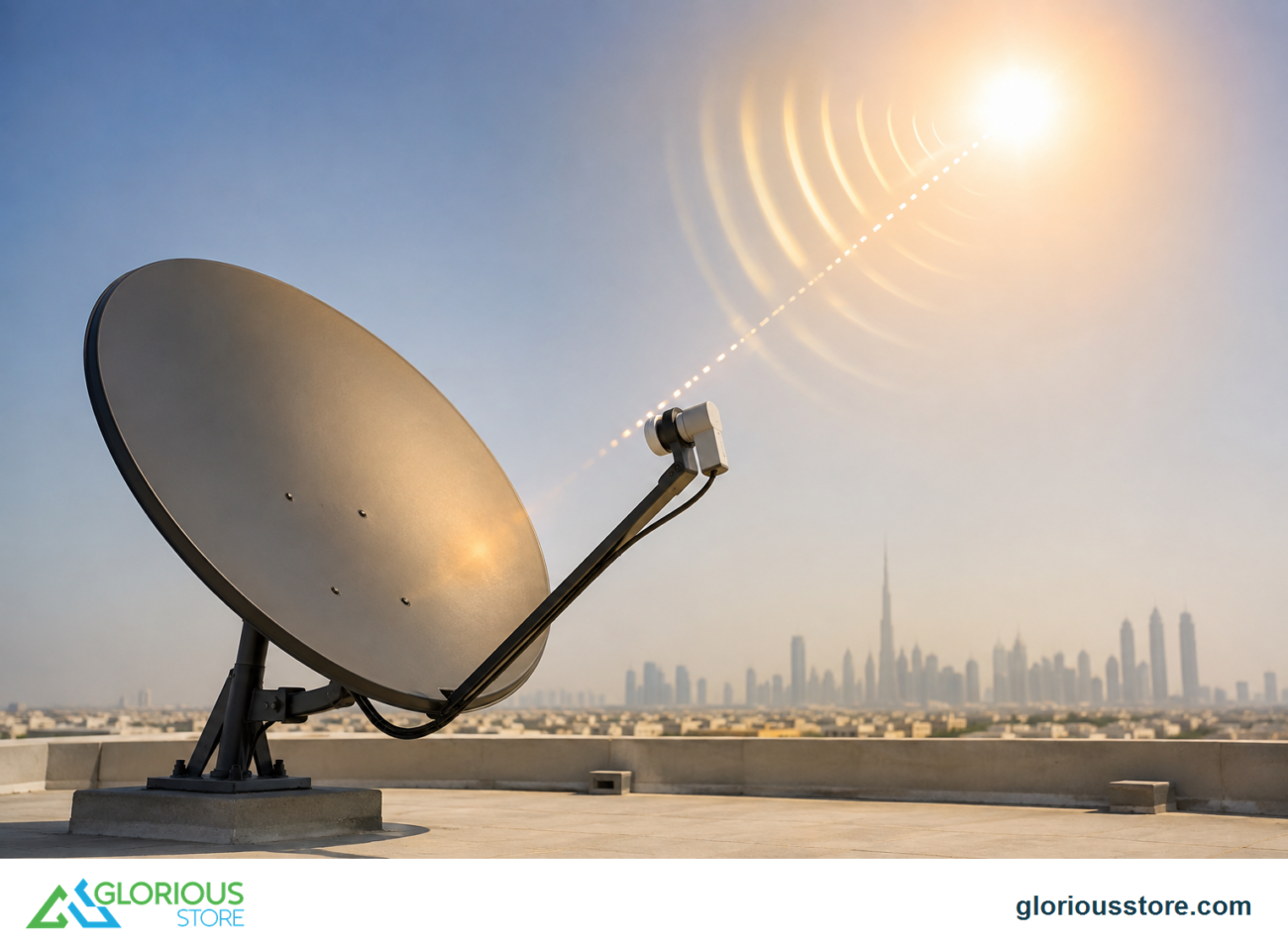
2. Inspect the Satellite Dish Alignment 🎯
- Use a compass or your receiver’s signal meter to confirm correct azimuth and elevation
- Adjust the dish slowly until maximum signal strength is achieved
- Ensure the dish is stable and mounted securely to prevent future misalignment
3. Remove Obstructions 🌳
- Trim trees or branches that block the line of sight to the satellite
- Clear snow, dirt, or debris from the dish surface
4. Test the LNB 💡
- Check if the LNB is working correctly; a faulty LNB can cause signal loss
- Replace with a universal or 4K-compatible LNB if needed

5. Restart or Update the Receiver 🔄
- Power cycle the receiver by unplugging for 10–15 seconds
- Update the firmware if available to ensure compatibility with satellite signals
6. Check for Weather Interference ☔
- Heavy rain, storms, or snow can temporarily disrupt the signal
- Wait for weather conditions to improve before troubleshooting hardware
7. Call a Professional Technician 👨🔧
- If the signal still does not appear, hire a professional satellite installation service
- Professionals can realign the dish accurately and test the full setup
Tips to Prevent Future Signal Loss 💡
- Secure dish mountings to withstand wind and vibrations
- Use high-quality coaxial cables for durability
- Regularly check and clean the LNB and dish
- Avoid installing the dish near tall trees or structures
- Keep receiver firmware updated
Conclusion 🎯
No signal from your satellite dish is usually caused by misalignment, faulty cables, or hardware issues. By following the steps above—checking connections, realigning the dish, inspecting the LNB, and updating your receiver—you can restore TV and internet service quickly. For reliable satellite accessories, LNBs, and professional installation tools, visit GloriousStore today. Ensure your setup is optimized for the best signal quality and uninterrupted service.
Go get yours now!
https://gloriousstore.com/starsat/4k-uhd-led-tvs/
https://gloriousstore.com/starsat/4k-satellite-receivers/
https://gloriousstore.com/starsat/ip-receivers/
https://gloriousstore.com/starsat/satellite-hd-recievers/





Leave a comment