
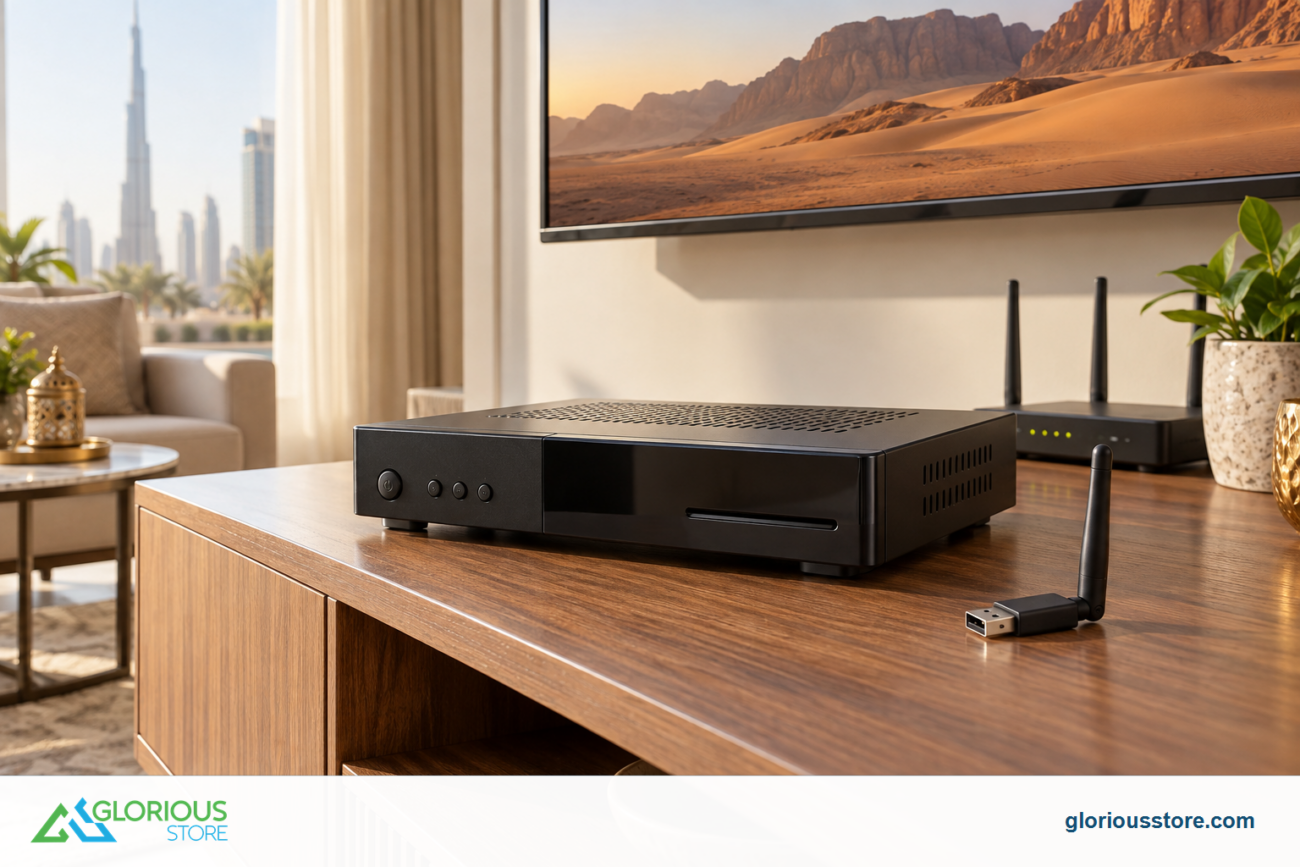
International E-Waste Day takes place on October 14, and the 2026 campaign focuses on “Fast Tech”: small electrical products often discarded before the end of their useful life. A USB WiFi dongle is a perfect example—buying the wrong one can leave you with an adapter that never works with your receiver.
The best USB WiFi adapter for a StarSat receiver is the one whose chipset and driver are supported by your exact model and software. A dongle that works in a Windows laptop may not be recognized by a receiver, even when both devices have a standard USB port.
This UAE guide separates receiver-oriented and computer-oriented adapters, gives a compatibility checklist, and explains when an accessory can extend the life of an otherwise useful receiver. Stock and product details were checked on October 13, 2026; availability can change.
Why USB WiFi adapter compatibility matters
A USB connector tells you how the device plugs in. It does not prove that the host device has a suitable driver. Satellite receivers usually run embedded software with a limited set of WiFi chipsets built into the firmware. The adapter may receive power and light up while the receiver still shows no wireless menu or network.
Terms such as “Wireless-N,” “300 Mbps,” “2.4 GHz” and “USB 2.0” do not establish receiver support. Two adapters can look identical and use different internal chipsets.
Before buying, record the full receiver model, software version and hardware revision shown in the Information or About screen. Follow any approved dongle or chipset named by the manual; otherwise ask the seller to confirm the exact model pair.
Current StarSat USB WiFi options checked in the UAE
Glorious Store currently lists two small USB WiFi products with different intended uses, plus a model-specific replacement kit. They should not be treated as interchangeable.
| Current product | Verified listing position | Stock checked Oct. 13 | Responsible buying question |
|---|---|---|---|
| StarSat USB WiFi Accessories for receivers | Receiver-oriented listing for StarSat HD and 4K models; product code StarSat-USB-WiFi |
16 | Is this exact adapter revision supported by my exact StarSat receiver and firmware? |
| StarSat Mini USB WiFi Adapter | PC/laptop-oriented listing; 2.4 GHz Wireless-N, up to 300 Mbps, USB 2.0 and specified Windows/macOS/Linux versions | 84 | Do not assume receiver support—does my host device have a driver for this exact adapter? |
| StarSat R100 Accessories | R100-specific remote, power-adapter and WiFi-dongle replacement range | 49 | Do I own the R100 model, and which item or kit is included in the selected option? |
The receiver-oriented page is the logical starting point, but its copy is broad rather than a model-by-model table. The mini adapter page specifies computer operating systems, not receivers. The R100 page names the receiver family, but buyers should still confirm what the selected option contains.
A five-point compatibility checklist before you order
1. Match the complete receiver model
Do not shorten SR-450HD PRO to “450” or assume every SR model uses the same driver. Photograph the label and compare every suffix.
2. Check the receiver software version
Note the installed software in the Information or About page. Use only the official update method for that model; never install unrelated firmware to force a dongle to work.
3. Confirm the adapter revision or chipset
Match any chipset or revision against the receiver manual or support advice. A similar plastic case is not evidence; ask Glorious Store to confirm the exact combination before checkout.
4. Check the network band your router offers
Confirm the adapter’s supported band and make sure the router broadcasts it. Many compact dongles rely on 2.4 GHz; do not infer dual-band capability from appearance.
5. Check physical fit and USB use
A wide dongle can block a neighboring port, and a receiver may reserve one port for recording. Inspect the layout and never force a connector or leave it under strain.
How to set up a compatible adapter
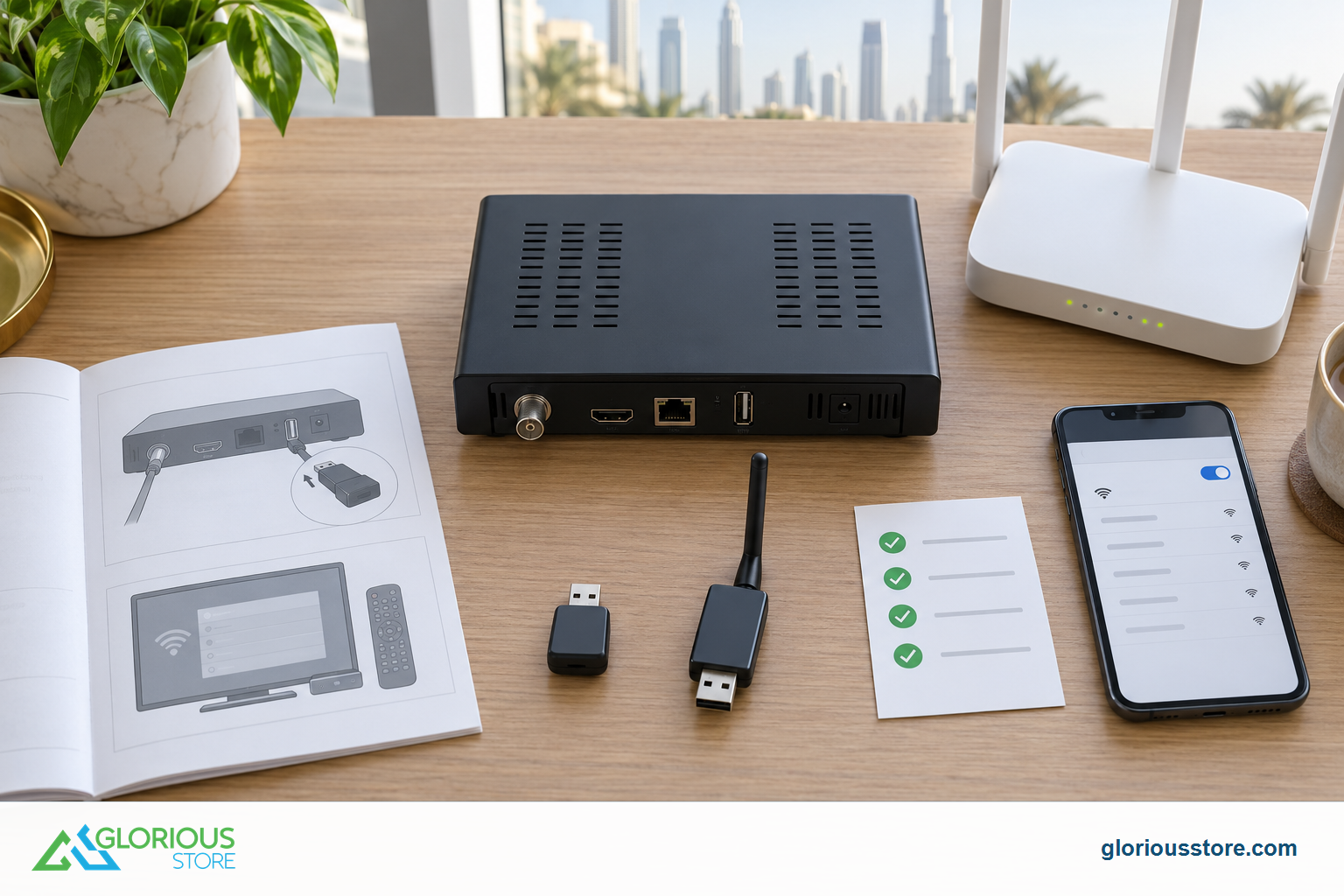
Power the receiver off using its normal control, insert the supported dongle into the recommended USB port, and restart. Open Network or WiFi settings and wait for the wireless option to appear. If it does, select your home network and enter the password carefully. Use the router’s main WPA2 or WPA3 network only if the receiver supports that security mode; older devices may need a compatible 2.4 GHz configuration.
Keep the receiver ventilated. Metal cabinets and a television chassis can weaken a small antenna. If signal is low, test closer to the router or use an approved short USB extension to move the dongle into the open.
Test a basic supported online function after connection. Subscriptions and regional rights remain separate: an adapter provides network access, not a guarantee for any channel or service.
Troubleshooting when the receiver does not see the dongle
Work through the smallest reversible checks first:
- Remove the adapter, restart the receiver and reconnect it once.
- Try the receiver’s other supported USB port if the manual allows it.
- Confirm that the WiFi menu appears only after the dongle is inserted.
- Recheck the full model and software version rather than assuming a generic driver.
- Test the router’s 2.4 GHz network and a simple network name without unusual punctuation.
- Ask the seller whether the current adapter revision has been tested with your exact receiver.
If the adapter is detected but cannot join, check the password, security mode and signal. If the WiFi option never appears, suspect compatibility or receiver software. A factory reset is a last resort because it can erase channels and favorites.
Our receiver internet-connection explainer covers the broader difference between Ethernet and WiFi. For a current receiver purchase, also use the 4K satellite receiver buying guide and verify included accessories before ordering.
When an accessory is better than replacing the receiver
A failed remote, power adapter or WiFi dongle does not mean the receiver has reached the end of its life. When the main unit still works, a verified replacement accessory can be the lower-waste path.
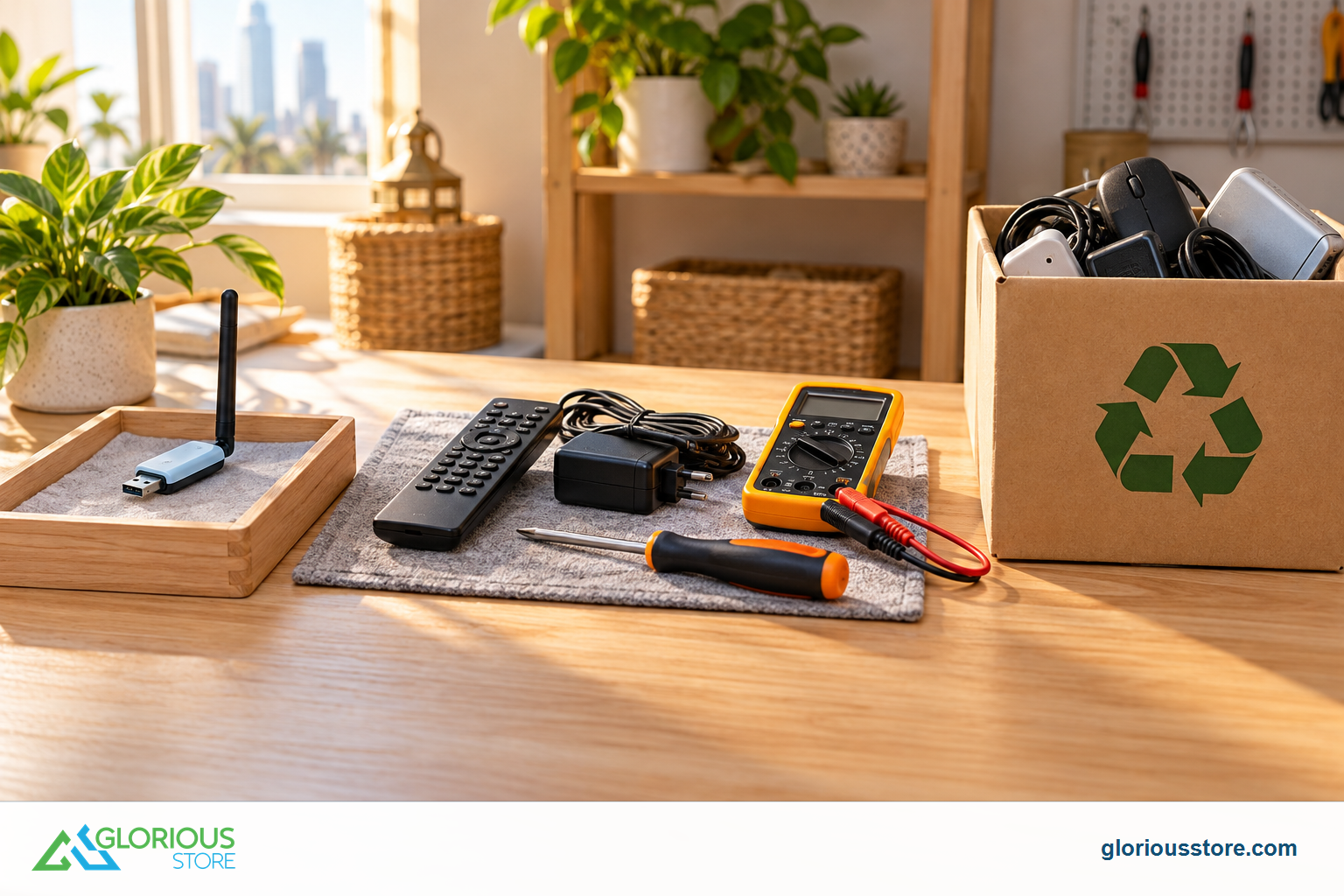
The StarSat R100 accessories listing offers model-specific replacements for the remote, power supply and WiFi connection. Use only a power adapter with the correct voltage, current, polarity and connector; an unsuitable supply can damage equipment or create a safety risk.
Replace the receiver only for a confirmed failure, a genuinely needed missing feature, or when no safe supported part exists—not because one generic dongle was rejected.
The International E-Waste Day connection
The International Telecommunication Union says International E-Waste Day is observed every October 14. Its 2026 focus is the rapid disposal of small “Fast Tech” devices before the end of their useful life. The WEEE Forum’s 2026 campaign asks people to recognize small electrical items as e-waste, return them through official collection routes and expect compliant recycling systems.
In June 2026, Dubai Municipality announced an e-waste recycling partnership covering collection, responsible processing, awareness and resource recovery. Its guidance includes a technical guideline for recycling waste electrical and electronic equipment.
Avoid the wrong purchase, keep a working unit in use, and choose an authorized local route when it becomes waste. Do not put electronic accessories in general rubbish; reset devices that can store credentials.
USB WiFi adapter for StarSat receiver FAQ
Will any USB WiFi adapter work with a StarSat receiver?
No. A USB plug does not guarantee the receiver has a driver for the adapter’s chipset. Confirm the exact receiver model, software and adapter revision.
Is the StarSat Mini USB WiFi Adapter a receiver dongle?
Its current listing is written for laptops and PCs and specifies computer operating systems. Do not assume receiver compatibility unless the exact StarSat model is confirmed.
Why does the adapter light up but no WiFi menu appears?
The USB port may be supplying power while the receiver lacks a compatible driver. Recheck the supported port, receiver software and exact dongle revision.
Does 300 Mbps mean streaming will run at 300 Mbps?
No. It is a nominal wireless link figure, not a guaranteed internet or application speed. Router conditions, interference, receiver hardware and the online service all affect performance.
Should I update receiver firmware to add WiFi support?
Only use the official update method and files intended for the exact receiver. Back up settings where possible and never install unrelated firmware to force compatibility.
Where should I recycle an unwanted adapter in Dubai?
Use an official or authorized e-waste collection route and check the current acceptance rules before visiting. Dubai Municipality publishes waste-service and recycling guidance; small electronics should not go into general waste.
Buy once, verify first
Start with the exact receiver model, not the appearance of the dongle. The StarSat USB WiFi Accessories listing is the current receiver-oriented option, while the Mini USB WiFi Adapter is positioned for computers. Owners of an R100 can compare the model-specific accessory range.
Before ordering, contact Glorious Store with a photo of the receiver label and its software-information screen. That one compatibility check can save setup time, prevent an unnecessary return and keep another small electronic device out of the waste stream.
Sources
- ITU: International E-Waste Day, checked October 13, 2026.
- WEEE Forum: International E-Waste Day 2026, checked October 13, 2026.
- Dubai Municipality: e-waste recycling partnership, published June 29, 2026.
- Dubai Municipality: Waste and Sewerage Agency technical guidelines, checked October 13, 2026.
- StarSat USB WiFi Accessories, live stock and listing checked October 13, 2026.
- StarSat Mini USB WiFi Adapter, live stock and listing checked October 13, 2026.
- StarSat R100 Accessories, live stock and listing checked October 13, 2026.




Leave a comment