

The new football calendar is almost here. The Premier League has confirmed that its 2026/27 opening match round begins on Friday, August 21, 2026, making August a practical time for UAE viewers to check their television, receiver, dish, cabling, and legal viewing subscription before the first weekend.
Buying a receiver only because the box says “4K,” however, can lead to disappointment. Resolution is just one part of the setup. Tuner compatibility, video decoding, connection quality, software support, recording features, ventilation, and the broadcaster’s access requirements all affect the experience.
This guide explains how to choose the best 4K satellite receiver for your UAE home without paying for features you will not use—or expecting a generic receiver to unlock subscription channels that require an official decoder and account.
Start With the Channels and Services You Can Legally Access
Before comparing hardware, decide what you want to watch and how the authorized broadcaster delivers it in the UAE.
Free-to-air satellite channels can normally be scanned with a compatible receiver, correctly aligned dish, suitable LNB, and accurate frequency settings. Encrypted sports packages are different. They may require a current subscription, smart card, conditional-access module, or an official operator-supplied receiver. A standard StarSat or other generic receiver cannot legally replace those access requirements.
That distinction matters during major football seasons. A receiver can produce excellent 4K video and still be unable to display an encrypted channel without authorized service. Confirm the broadcaster, package, dish requirements, and supported device before purchasing hardware.
If your household uses both satellite broadcasts and legitimate internet streaming apps, a hybrid or network-connected receiver may be more flexible than a basic satellite-only model. App availability, licensing, and ongoing software support still need to be checked for the specific model and service.
The Features That Matter in a 4K Satellite Receiver
1. Genuine 4K UHD output
Look for a receiver designed to output Ultra HD video to a compatible television. Your TV and receiver should share a suitable HDMI connection, and the TV input must be configured for the resolution and refresh rate supported by both devices.

Remember that a 4K-capable receiver does not convert every channel into native 4K. The final picture depends on the resolution and quality of the source broadcast. A well-produced HD channel may look clean on a 4K TV, but it is not the same as a native UHD feed.
2. DVB-S2 and modern video decoding
DVB-S2 is widely used for contemporary satellite broadcasting, while DVB-S2X extends the standard for additional operating modes and efficiency. For UHD services, HEVC/H.265 decoding is also important because it allows high-resolution video to be delivered more efficiently than older codecs.
Do not assume every model supports every DVB-S2X mode, codec profile, audio format, or encrypted platform. Verify the exact specification against the satellite services you plan to receive.
3. A tuner suited to your dish installation
Receiver performance depends heavily on the rest of the signal chain. Dish alignment, dish size, LNB condition, cable quality, connectors, DiSEqC configuration, and the satellite footprint can matter more than small differences between receiver models.
For UAE homes using more than one LNB or satellite position, confirm the receiver’s DiSEqC and scanning features. Blind scan can be useful for finding active free-to-air transponders, but it does not bypass encryption.
4. HDMI, USB, Ethernet, and Wi-Fi
HDMI is the normal connection for sending digital video and audio to a 4K TV. USB ports may support media playback, firmware updates, or personal video recording, depending on the model. Ethernet usually provides a more stable connection than Wi-Fi for legitimate network features and streaming applications.
Wi-Fi is convenient where running a cable is difficult, but placement, router distance, walls, and evening network congestion can affect performance. If uninterrupted network playback is a priority, choose a receiver with Ethernet and use a wired connection where practical.
5. USB PVR and electronic program guide
A receiver with USB PVR support may record compatible broadcasts to external storage. Check whether the model supports scheduled recording, time-shifting, the storage formats you intend to use, and the channels you are authorized to record.
An electronic program guide can make scheduled viewing easier, but the amount and accuracy of guide data depend on the broadcaster. A receiver advertised with an extended EPG cannot display information the channel does not transmit.
6. Software support and an easy interface
Good hardware becomes frustrating when menus are confusing or software is unreliable. Look for clear channel management, favorites, parental controls, multilingual menus, straightforward scanning, and firmware distributed through legitimate support channels.
Never install unknown firmware, channel patches, or files from untrusted sources. Incorrect software can cause instability, remove features, or create security and legal risks.
7. Ventilation for UAE conditions
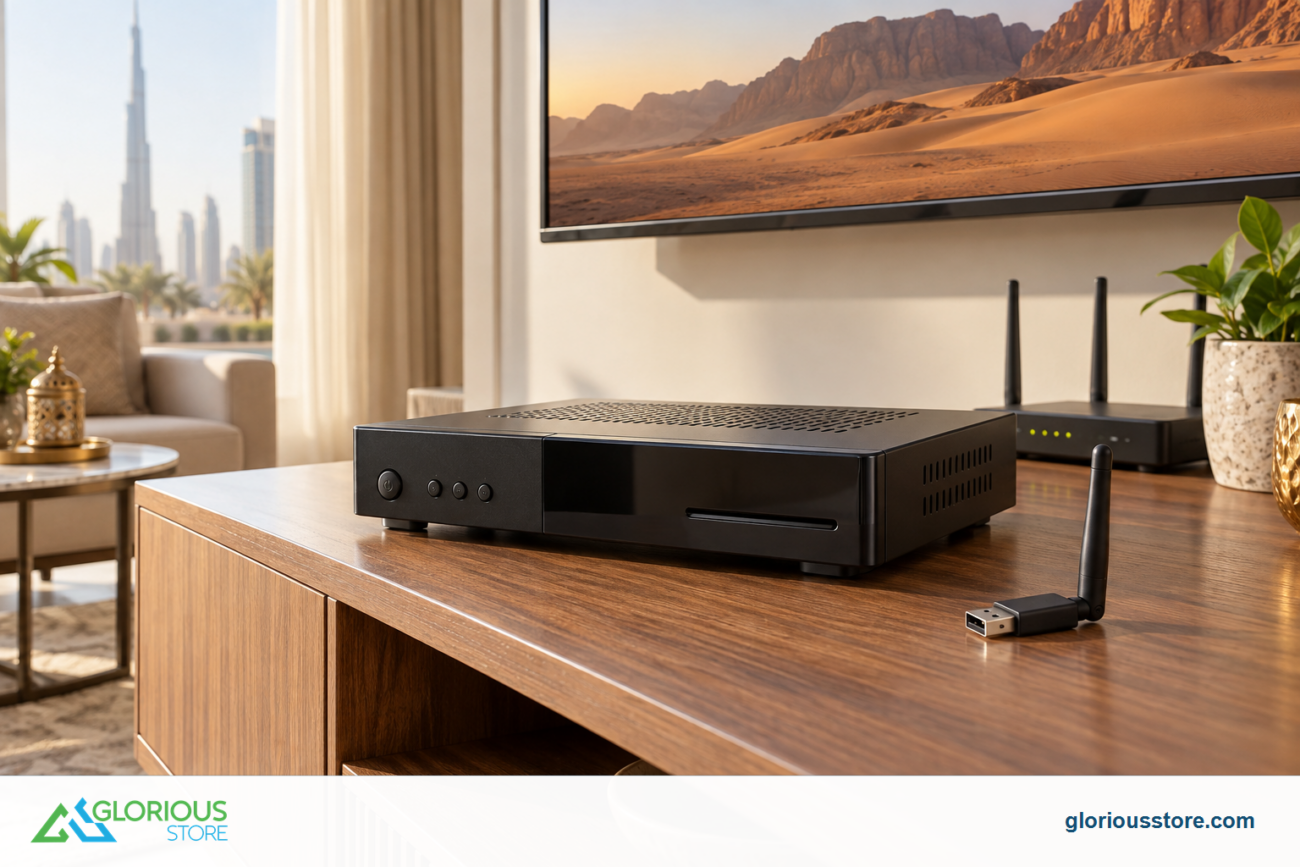
Receivers need airflow. Do not place one inside a sealed cabinet, directly above another hot device, or in strong sunlight. Dust buildup and poor ventilation can contribute to freezes and shorter component life.
Leave space around the ventilation openings and use a stable power source. If your equipment area becomes unusually hot, improve the placement rather than covering the receiver or adding unsafe improvised wiring.
Current StarSat 4K Options at Glorious Store
The Glorious Store 4K satellite receiver collection currently lists several purchasable models. Availability and prices can change, so open the product page before ordering.
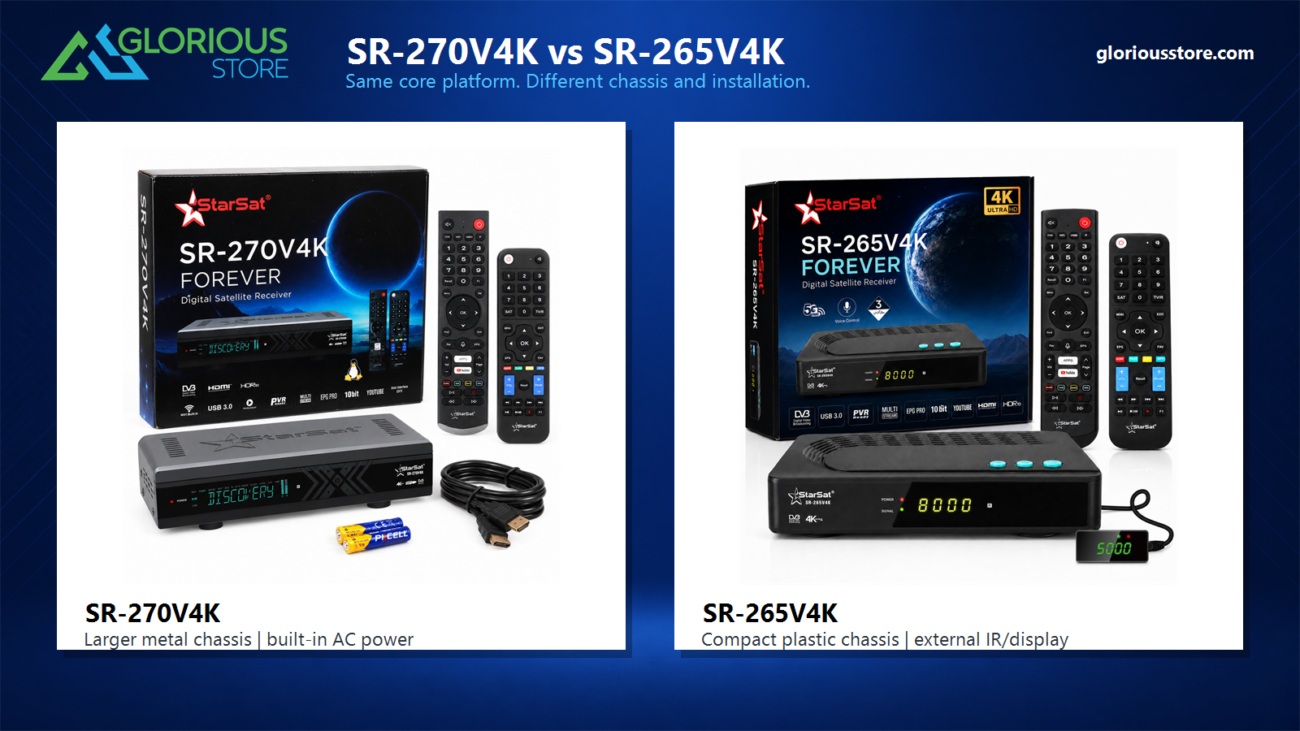
StarSat SR-265V4K
The StarSat SR-265V4K is the newest model visible in the collection at the time of writing. It is presented as a 4K UHD Linux digital satellite receiver with dual-band Wi-Fi and a voice remote. It is a sensible comparison point for shoppers who value a newer interface, wireless connectivity, and voice-control convenience.
Confirm its detailed tuner modes, supported apps, recording behavior, and compatibility with your intended services before purchase.
StarSat SR-220H4K

The StarSat SR-220H4K is listed with DVB-S2, H.265, Wi-Fi/4G support, USB PVR, an 8,000-channel capacity, and EPG features. It may suit users who want a practical combination of 4K decoding, recording, and network connectivity at a lower listed price than some premium alternatives.
The advertised channel capacity is a storage limit, not a promise that 8,000 watchable channels are available at your location.
Which current model should lead your shortlist?
Start with the newest StarSat SR-265V4K when comparing current models, then compare the SR-220H4K if its feature mix and price better fit your needs. Do not choose solely by model name or discount percentage. Match the specification to your dish, TV, authorized channels, network setup, and recording needs.
A Practical Pre-Season Setup Checklist
Complete these checks several days before the first match you plan to watch:
- Confirm your authorized broadcaster and subscription status.
- Check that your dish and LNB cover the required satellite.
- Inspect the coaxial cable for loose connectors, water damage, or sharp bends.
- Connect the receiver to the correct 4K-capable HDMI input.
- Select an output resolution supported by the TV.
- Update firmware only through a trusted source and follow the model instructions.
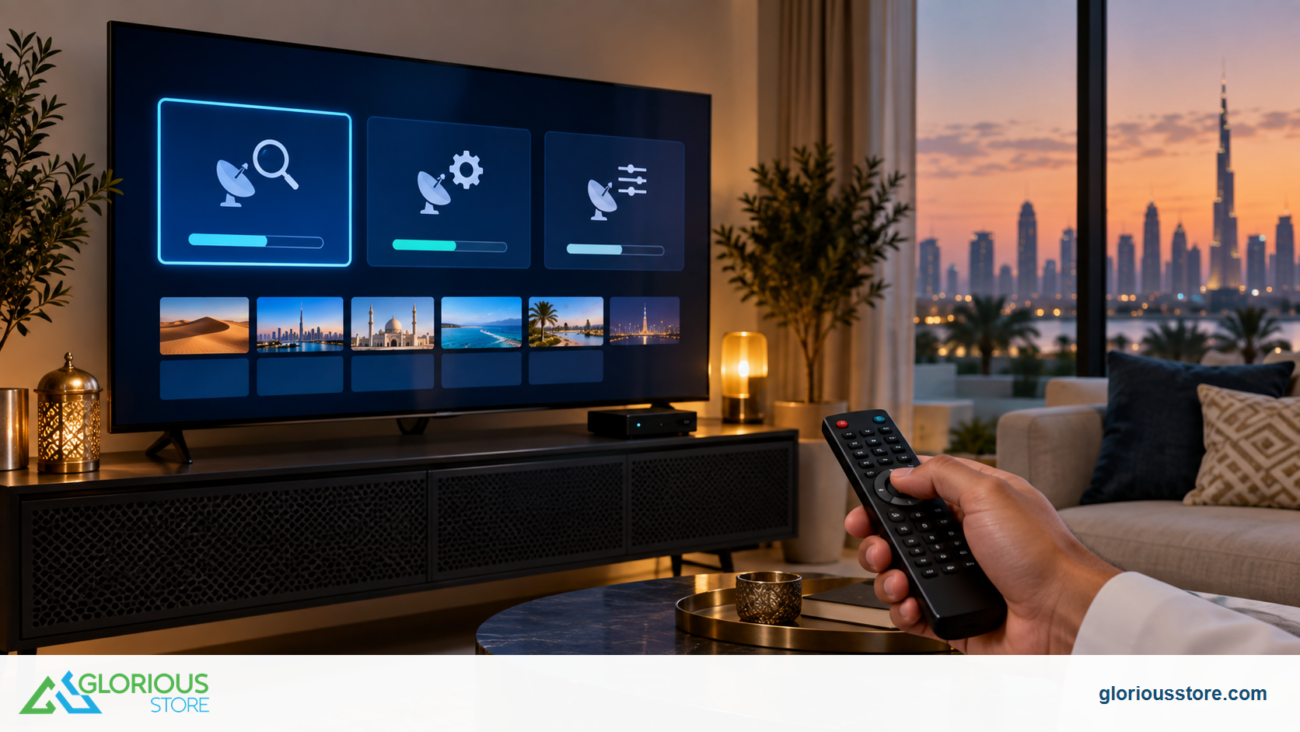
- Scan the correct satellite and save a favorites list.
- Test the channel, audio, remote, and network connection before match day.
- Test USB recording in advance if you intend to use it.
- Make sure the receiver has adequate ventilation.
If signal quality is unstable, avoid repeatedly changing software settings. Check the dish alignment, LNB, coaxial cable, connectors, and DiSEqC configuration first. Glorious Store’s satellite receiver FAQ covers common UAE signal and compatibility questions.
Should You Upgrade Your TV as Well?
A 4K receiver needs a compatible display to show UHD output. If your current television is limited to Full HD, the receiver may still work at a lower output resolution, but you will not see the full benefit of a native 4K source.
Before buying a new screen, confirm viewing distance, room size, available HDMI inputs, HDR support, and the content you actually watch. Browse the StarSat smart TV collection if your upgrade plan includes both a receiver and a television.
Frequently Asked Questions
Do I need a 4K satellite receiver to watch football in the UAE?
Not always. An HD receiver may be enough when the authorized channel is broadcast only in HD. A 4K receiver is useful when you have a 4K TV, a legitimate UHD source, and want modern decoding, connectivity, or recording features.
Will a 4K receiver make every football channel 4K?
No. The receiver can output 4K, but it cannot turn an HD source into a native UHD broadcast. Picture quality depends on the original feed, compression, signal quality, receiver settings, HDMI connection, and TV.
Can a StarSat receiver open subscription sports channels?
Only when the service and receiver support a legitimate authorized access method. Encrypted sports channels may require the broadcaster’s official decoder, smart card, module, or app subscription. A generic receiver does not automatically provide access.
Is Ethernet better than Wi-Fi for a hybrid receiver?
Ethernet is usually more stable because it avoids wireless interference and weak signal areas. Wi-Fi can still work well when the router is nearby and the connection is strong.
Which StarSat 4K receiver should I buy?
Choose according to required tuner support, authorized services, recording needs, network connection, interface preferences, budget, and current availability. Begin with the latest SR-265V4K, then compare the SR-220H4K on its current product page rather than relying on model names alone.
Get Your Viewing Setup Ready
The best 4K satellite receiver for a UAE football fan is the model that matches the complete system: authorized service, satellite and dish, LNB and cabling, television, network, and preferred features. Start with those requirements, then compare currently available models in the Glorious Store satellite receiver range.
Preparing early gives you time to test the signal, organize channels, confirm subscriptions, and solve connection problems before the new season begins.


Leave a comment