

Connecting a satellite dish directly to your TV without a receiver is possible, but only in specific situations. Many users try this when their receiver stops working or when they want a simplified setup. The process depends on your TV model, the type of satellite signal, and whether your TV includes a built in satellite tuner.
This guide explains everything clearly so you can start watching channels again with confidence. 👍
Understanding How Satellite Signals Work 🌍
A satellite dish does not decode channels. It only collects signals from satellites in space and sends them to a tuner. Without a tuner, the TV cannot interpret the signal.
Key components
- Satellite dish 🛰
- LNB
- Coaxial cable
- Satellite receiver or built in tuner
- TV

Can You Connect a Satellite Dish Directly to a TV ❓
Yes, but only if the TV has a DVB S or DVB S2 tuner built in.
How to check
Look for labels like:
- DVB S
- DVB S2
- Satellite input
- SAT IN
If none of these exist, you will need an external tuner.

How to Connect Satellite Dish to TV Without a Receiver ⚡
Step 1: Locate the SAT IN port
Check the back of your TV for a satellite input connector.
Step 2: Connect the coaxial cable
Attach the satellite dish cable from the LNB directly to the TV.
Step 3: Configure TV settings
Go to:
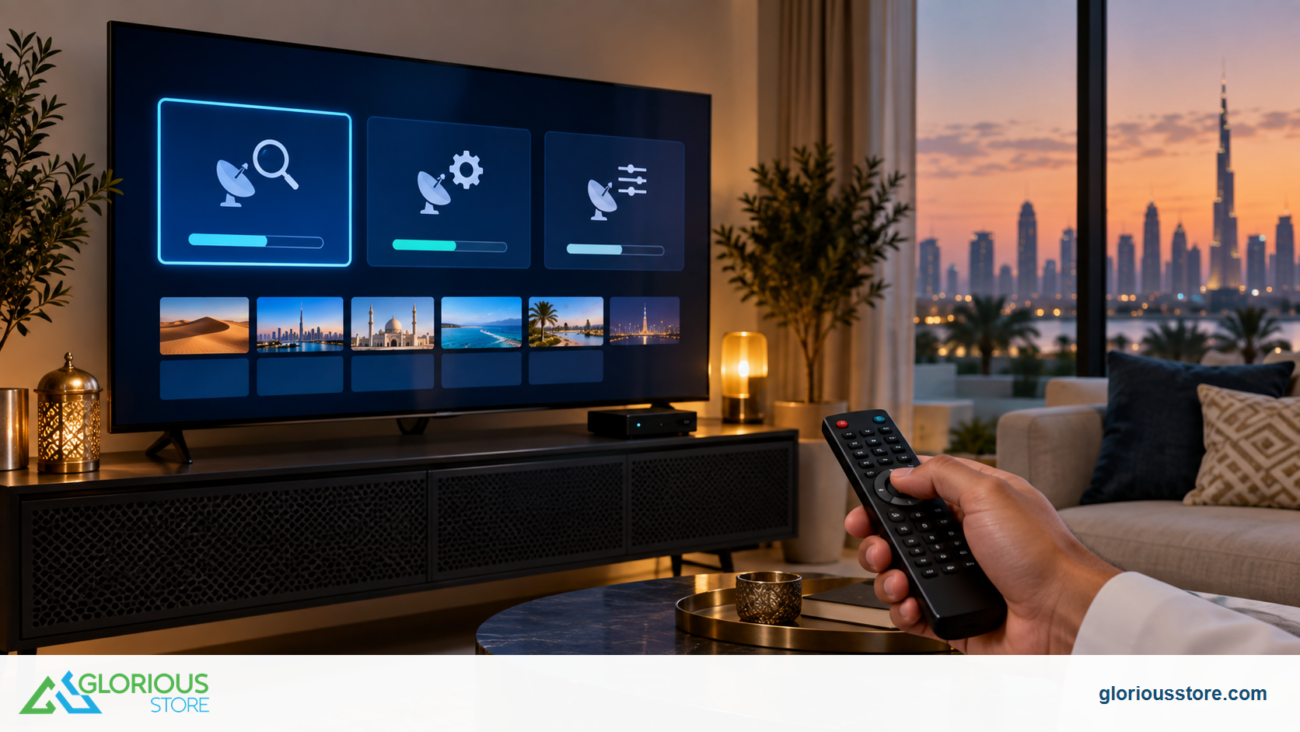
Settings > Broadcast > Satellite > Auto Scan
Step 4: Run a channel scan
The TV will locate available satellite channels.
If Your TV Does Not Have a Satellite Tuner ❌
You will need one of the following alternatives:
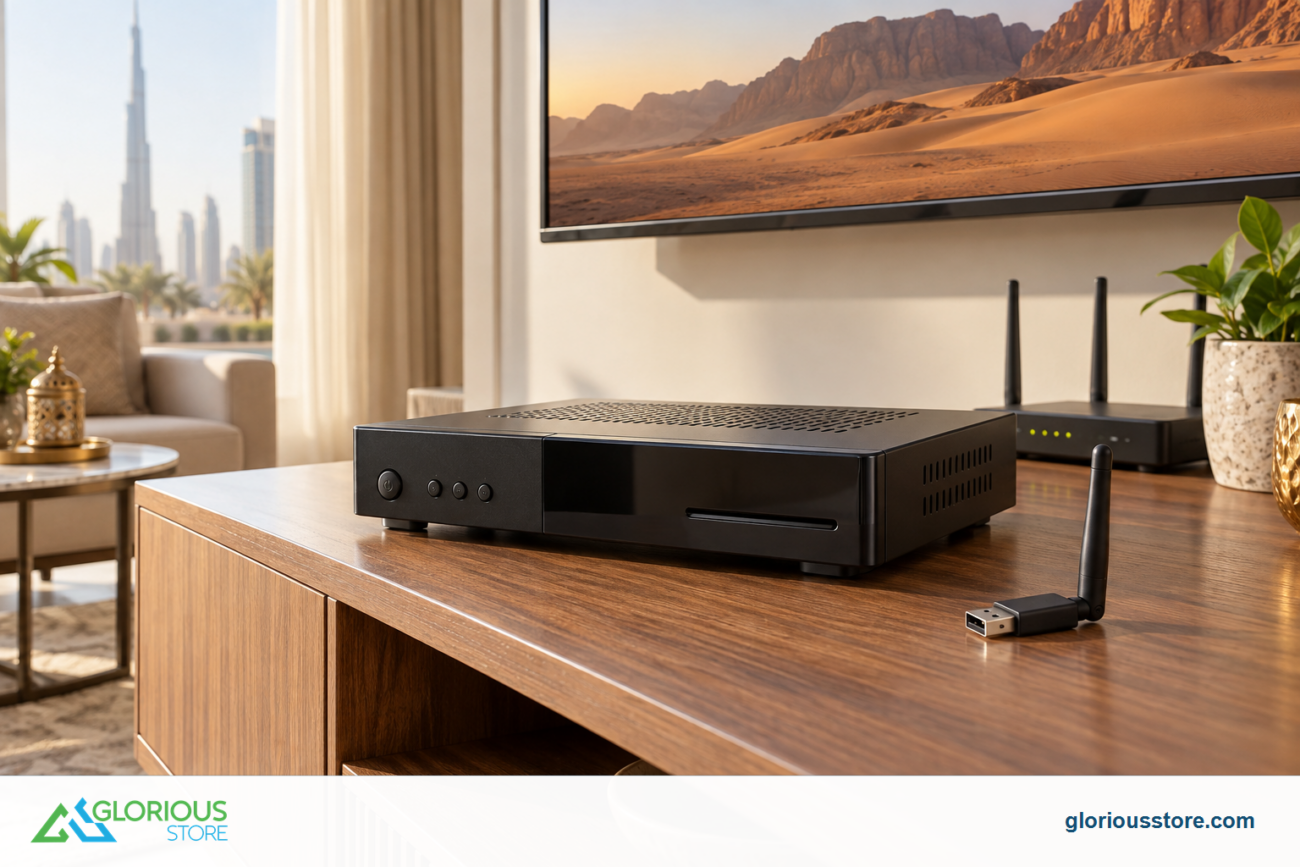
1. USB satellite tuner
A small device that works with smart TVs or laptops.
2. DVB S2 set top box
Affordable and effective.
3. IPTV or streaming apps
A receiver free way to watch channels online.
Benefits of Connecting Without a Receiver 🎉
- Clean setup
- Fewer cables
- Lower power usage
- Fast channel switching
- Recording features on some TVs
Common Problems and Solutions 🛠
No signal
Dish alignment may be wrong or cable may be damaged.
Channels missing
Ensure you selected the correct satellite.
Scrambled channels
Some channels require subscription.
Freezing or pixelation
Often caused by weather, weak signal, or LNB problems.
Alternative Ways to Watch Satellite Channels 💡
- IPTV apps
- Satellite enabled smart TVs
- Laptop with USB tuner
Conclusion ⭐
Connecting a satellite dish directly to a TV without a receiver is simple if your TV includes a DVB S2 tuner. If not, external tuners or IPTV apps work well too. For satellite accessories, cables, and tools, explore high quality options available on gloriousstore.com.
Go get yours now!
https://gloriousstore.com/starsat/4k-uhd-led-tvs/
https://gloriousstore.com/starsat/4k-satellite-receivers/
https://gloriousstore.com/starsat/ip-receivers/
https://gloriousstore.com/starsat/satellite-hd-recievers/



Leave a comment