

A satellite connection is one of the most fascinating technologies powering modern communication. From satellite receivers in UAE homes to global internet coverage, satellites play a major role in TV broadcasting, navigation, weather monitoring, and high-speed connectivity. But how does it all actually work? 🤔✨
Whether you’re buying a satellite receiver in UAE, upgrading to a 4K satellite receiver, or trying to understand how signals reach your home, this complete guide breaks everything down in simple terms — with zero technical confusion.
Understanding What a Satellite Connection Really Is 🛰️
A satellite connection is the process of sending and receiving data through communication satellites orbiting the Earth. These satellites act like giant mirrors in space — receiving signals from the ground, amplifying them, and sending them back to specific locations.
They support:
- Satellite TV
- GPS navigation
- Internet services
- Weather forecasting
- Emergency communications
- IPTV & hybrid receiver features
For anyone using a smart satellite receiver in UAE, this technology is running behind the scenes 24/7.

How the Signal Travels: Step-by-Step 🔁
A full satellite connection involves four simple stages:
1. The Uplink (Ground → Satellite)
A ground station sends a powerful radio frequency beam to a communication satellite.
This is known as uplinking.
2. Satellite Processing
The satellite receives the signal, amplifies it using its transponders, converts the frequency, and prepares it for broadcasting.
3. The Downlink (Satellite → Earth)
The processed signal is then sent back toward a specific coverage area — known as a satellite footprint.
4. Your Receiver Processes the Signal
Your home equipment takes over:
- The satellite dish collects the signal.
- The LNB (Low Noise Block) converts it.
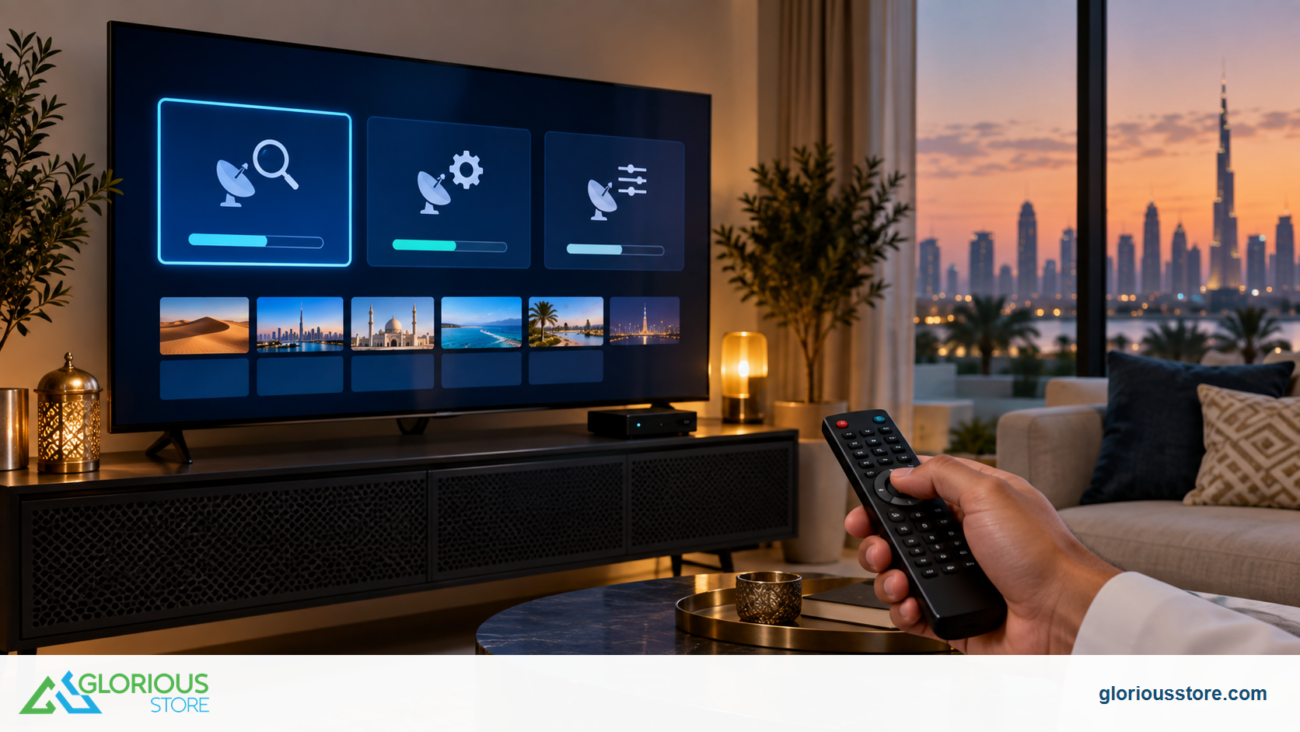
- The satellite receiver decodes it.
- Your TV displays the image.
This is how you watch hundreds of HD and 4K channels with a Starsat receiver, Dreambox, Mediastar, Humax, or Tiger receiver.
Why Satellite Connections Are So Reliable ⭐
Satellite systems are engineered to stay operational for 10–15+ years. They remain unaffected by land infrastructure issues such as:
- Fiber cuts
- Cable line damage
- Remote terrain
- Poor local coverage
This is why many UAE users prefer satellite receiver setups for consistent performance.

Types of Satellite Connections Used Today 📡
Broadcast Satellites
Used for satellite TV channels.
Compatible with:
- Starsat 4K receiver UAE
- Android IPTV receivers
- Hybrid satellite receivers
- Mediastar & Humax receivers
Communication Satellites
Used for internet, calls, and data services.
Navigation Satellites
GPS, GLONASS, Galileo — for maps and positioning.
Weather Satellites
For forecasting and global monitoring.
Equipment Required for a Satellite Connection 🛠️
To receive a satellite connection at home, you typically need:
- A satellite dish
- A Universal LNB or 4K LNB UAE
- A satellite receiver (HD, 4K, Android, IPTV-enabled)
- High-quality coaxial cable UAE
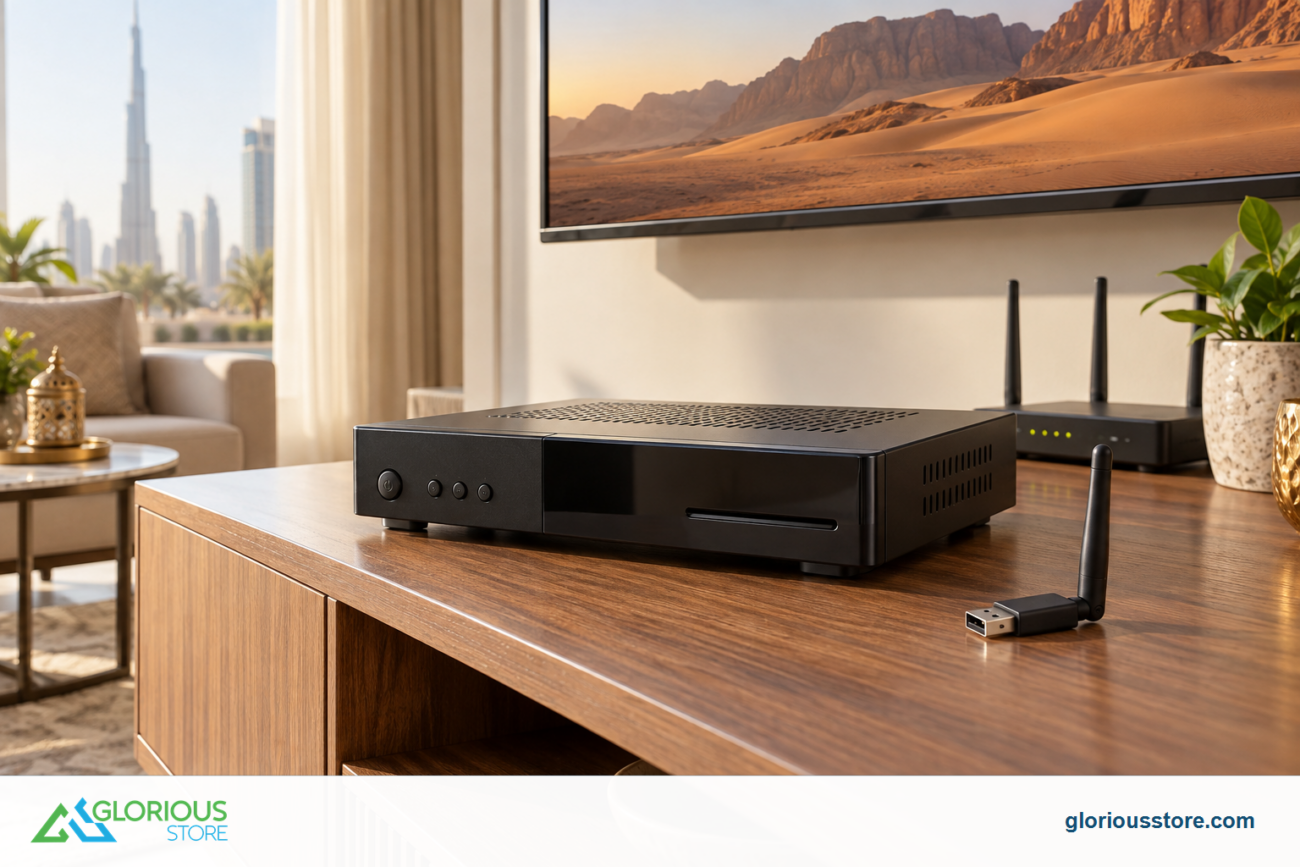
- Optional: satellite dish motor, DiSEqC switch, WiFi dongle for satellite receiver UAE
All of these are available at GloriousStore.
🔗 Explore: https://gloriousstore.com/starsat/
How Satellite TV Works with 4K & IPTV 🎥✨
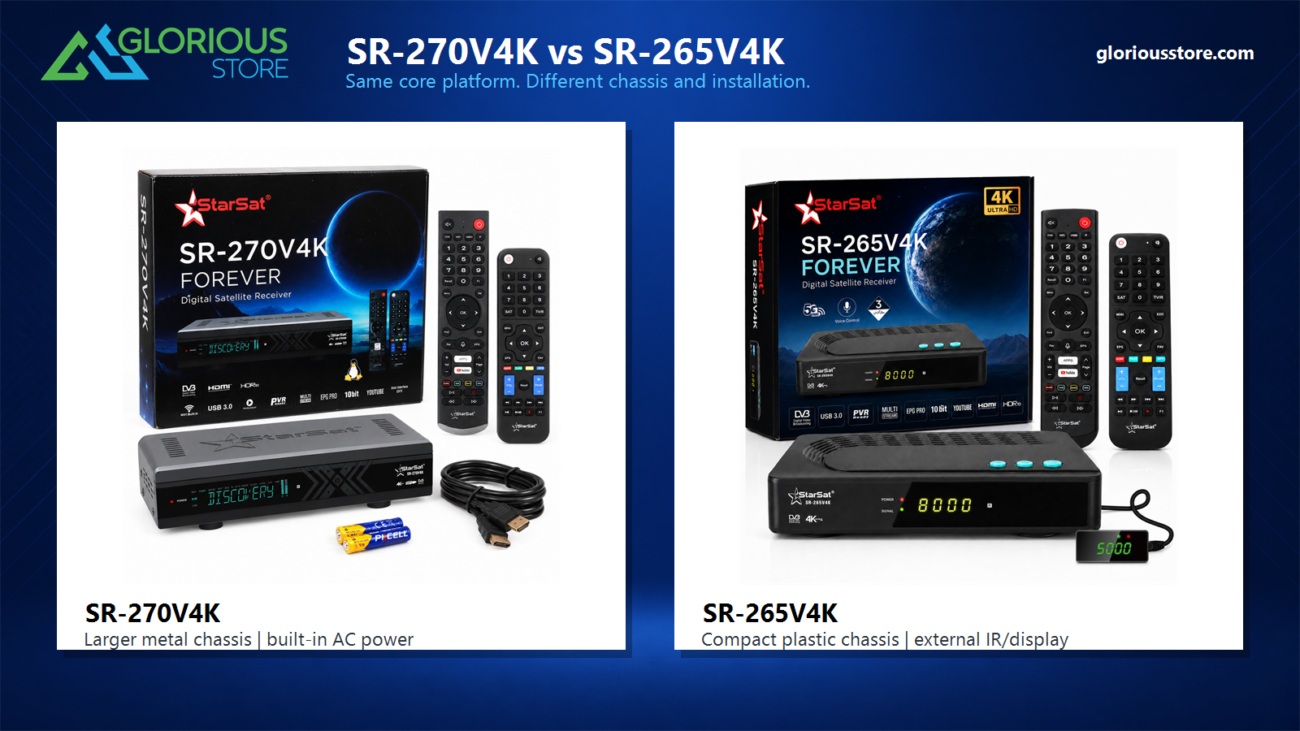
Modern receivers such as:
- Starsat SR-260H4K
- Starsat SR-2000HD Hyper
- Starsat SR-9090 Extreme
- Android 4K receivers UAE
support Ultra HD streaming, IPTV apps, and hybrid features.
This means your satellite receiver is now a complete home entertainment system.
Is Satellite Connection Good for Internet? 🌍
Yes — satellite internet works extremely well in areas with limited fiber or DSL access.
Pros:
- Works anywhere
- No land cables required
- Fast installation
Cons:
- Higher latency
- Weather sensitivity
Perfect for:
- Remote homes
- Farms
- Desert areas
- Backup connectivity
People Also Ask — FAQs ❓
1. What equipment do I need for a satellite connection?
A dish, LNB, coaxial cable, and a satellite receiver.
2. How far can satellite signals travel?
Signals travel over 36,000 km between Earth and geostationary satellites.
3. Does satellite TV require the internet?
No — only IPTV apps or online features need Wi-Fi.
4. Can satellite connections support 4K channels?
Absolutely. Many satellites broadcast 4K UHD, and modern receivers support it.
5. Do I need a technician to install a satellite?
Professional installation is recommended for proper alignment.
Conclusion — Why Satellite Matters Today ⭐
Satellite technology remains one of the most powerful communication solutions. Whether you’re enjoying HD entertainment, using hybrid IPTV features, or exploring 4K satellite receivers in UAE, the system behind it is working silently, reliably, and efficiently.
If you’re ready to upgrade to a powerful new receiver, explore the latest options at GloriousStore.


Leave a comment