
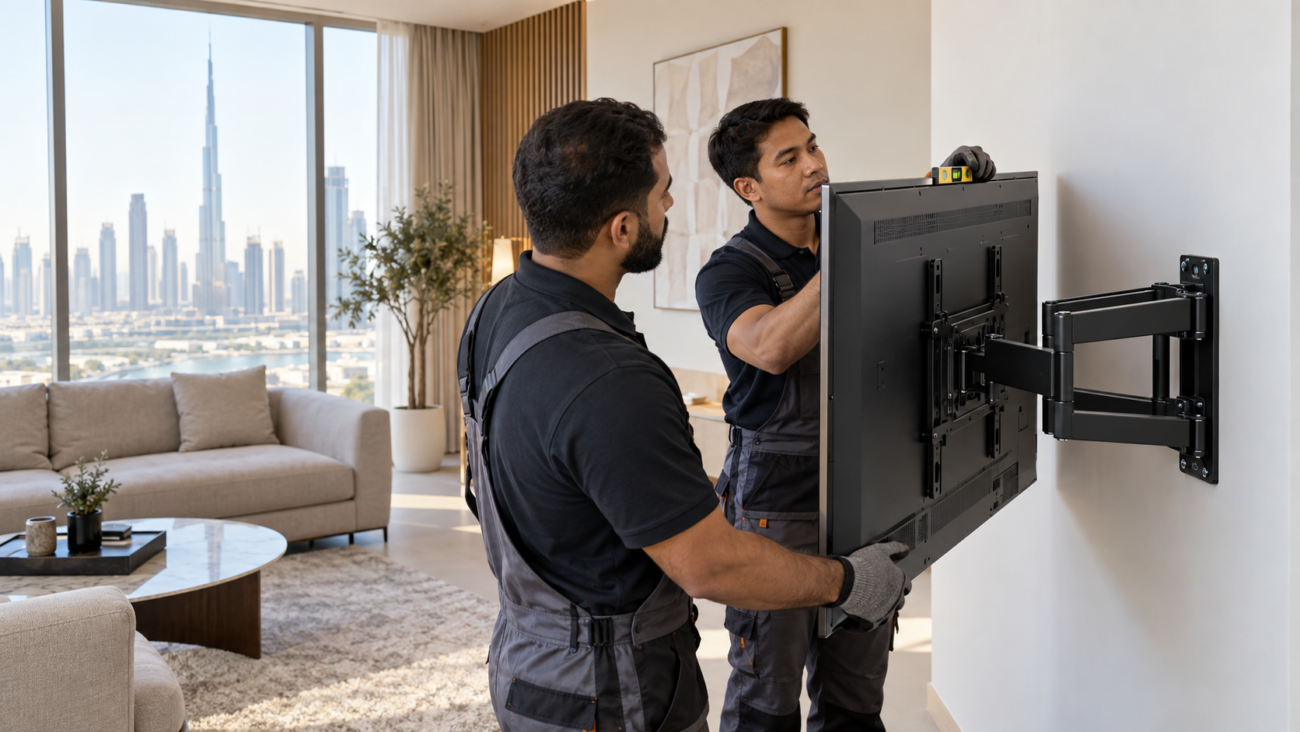
Large screens were one of the clearest television themes around IFA Berlin 2026. TCL discussed the shift toward bigger home-TV sizes, while LG used the show to present an ultra-large display line. That trend makes the hardware behind the screen more important: a mount that sounds suitable because it says “up to 60 inches” or “up to 85 inches” can still be wrong for a particular television.
This TV wall mount VESA guide UAE explains the checks that matter before ordering or installation. Screen-size range is only the starting filter. You also need the television’s exact mounting-hole pattern, its weight without the stand, the mount’s rated load, correct screws and spacers, suitable wall construction, and enough room for cables and ventilation.
Glorious Store checked the three current StarSat mounts in this guide on September 11, 2026. Each listing showed 20 units in stock and an Add to cart option at the time of review. Inventory and specifications can change, so use the linked product page as the final reference.
What VESA Means on a TV Wall Mount
VESA’s Flat Display Mounting Interface standard defines mounting interfaces for flat displays and compatible mounting equipment. In everyday shopping, the VESA figure describes the spacing between the threaded mounting holes on the back of a TV, normally stated in millimeters.
For example, a TV manual may specify a four-hole pattern such as 400 × 300 mm. The mount must support that exact pattern—not merely a larger screen-size range. A mount advertised as supporting patterns “up to” a maximum is not automatically compatible with every smaller pattern, because rail positions, plate openings and hardware can vary.
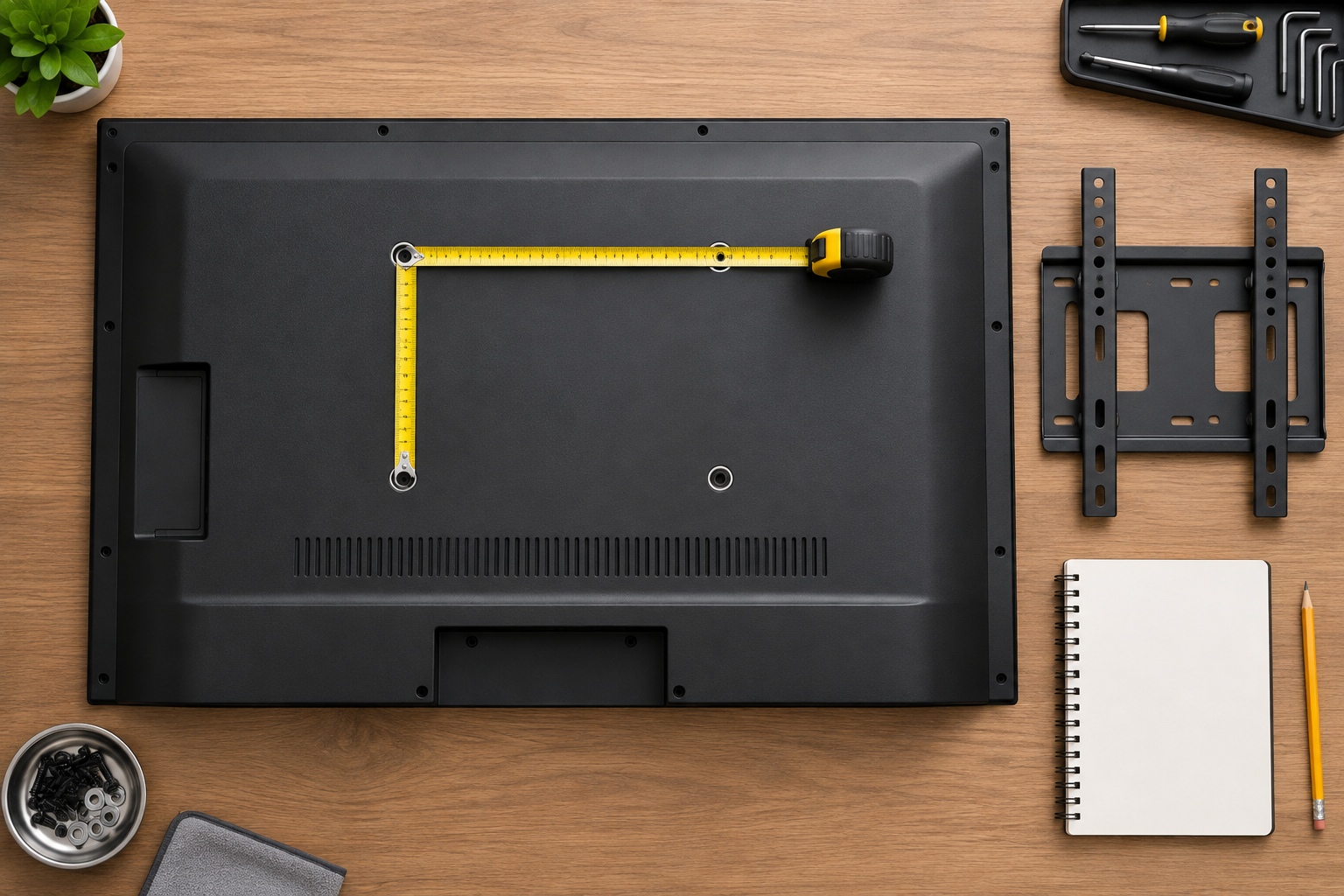
The safest source is the manual or support page for the exact TV model. You can also measure the hole centers, but use that as a cross-check. Do not measure the outer edges of the screw holes, the TV cabinet, or the distance between stand fittings.
Four Compatibility Checks Before You Buy
1. Match the exact hole pattern
Measure the horizontal and vertical distance from the center of one threaded hole to the center of the corresponding hole. Record both values in millimeters. Compare them with the mount manual or product specification.
Some retailer listings present a maximum format in an unusual order. Keep the value exactly as published, then confirm orientation and supported intermediate patterns with the mount instructions or Glorious Store before purchase. Never rotate or reinterpret a pattern just to make it appear compatible.
2. Check television weight, not only diagonal size
A 55-inch television can weigh more or less than another 55-inch model. Look for the TV’s weight without its tabletop stand, then keep it below the wall mount’s published maximum load. Include any accessory that the mount must carry, and do not treat the rating as a target to exceed.
Roku’s updated mounting guidance similarly tells buyers to verify VESA pattern, weight rating and correct hardware. Sony’s wall-mount guidance adds that installation must meet safety requirements for the TV’s weight and should be performed by qualified personnel.
3. Use the specified screws, spacers and brackets
Thread diameter, screw length and required spacers vary by television. A screw that is too short may not engage safely; one that is too long can damage the TV. Curved or recessed backs may require spacers. Use the hardware combination named by the TV and mount instructions, and stop if the parts do not seat correctly.
4. Confirm the wall can carry the system
Concrete, block, solid masonry, timber framing and gypsum-board assemblies need different fixings and installation methods. Decorative cladding can hide the structural wall. Do not select anchors from appearance alone. A qualified installer should identify the wall construction, avoid concealed services and follow the mount instructions and local requirements.
Three Current StarSat Wall Mounts in the UAE
These products cover different screen ranges and placement needs. The published screen range is a shortlist tool; compatibility still depends on every check above.
| Current model | Published fit and load | Published mounting details | Stock checked Sept. 11 |
|---|---|---|---|
| StarSat SM-44P TV Wall Mount | 23–60-inch TVs; up to 40 kg | Up to 480 × 400 mm VESA; 70–480 mm adjustable wall distance | 20 |
| StarSat SR-033-1B TV Wall Mount | 30–60-inch TVs; up to 50 kg | Up to 400 × 600 mm VESA; 98–425 mm wall distance; 180° swivel; bubble level listed | 20 |
| StarSat J016 TV Wall Mount | 30–85-inch TVs; up to 75 kg | Up to 500 × 800 mm VESA; 21 mm low-profile clearance | 20 |
The SM-44P listing emphasizes a broad adjustable wall-distance range but does not state the exact tilt or swivel range. Confirm any motion you need before buying. The SR-033-1B is the clearest current choice when the published 180-degree swivel and extended reach match the room. The J016 is the low-profile option for a larger screen when its exact pattern, load rating and 21 mm clearance all work with the TV and cable layout.
Prices are deliberately left to the live pages because promotions and currency display can change. Browse the current StarSat wall-mount range if these three do not match your television.
Low Profile, Adjustable or Full Motion?
Choose low profile for a clean, close-to-wall result
A shallow mount can make a large screen look integrated into the room. The trade-off is reduced hand space behind the TV. Side-facing HDMI and USB ports are easier to reach than rear-facing ports. Thick plugs, adapters and rigid cable bends can require more clearance than the mount leaves.
Choose more reach when access and viewing angle matter
An extending or swiveling mount can help with side seating, corner placement and cable access. It also places more leverage on the wall when extended, so correct structure, fixings and installation become especially important. Check the television’s width against the wall: the screen itself can limit the advertised swivel before the arm reaches its theoretical angle.
Do not confuse movement with universal compatibility
Tilt, swivel and extension describe positioning. They do not replace VESA, weight, hardware or wall checks. A full-motion mount can be mechanically impressive and still be the wrong match for the TV.
Plan Cable Access and Ventilation Before Drilling
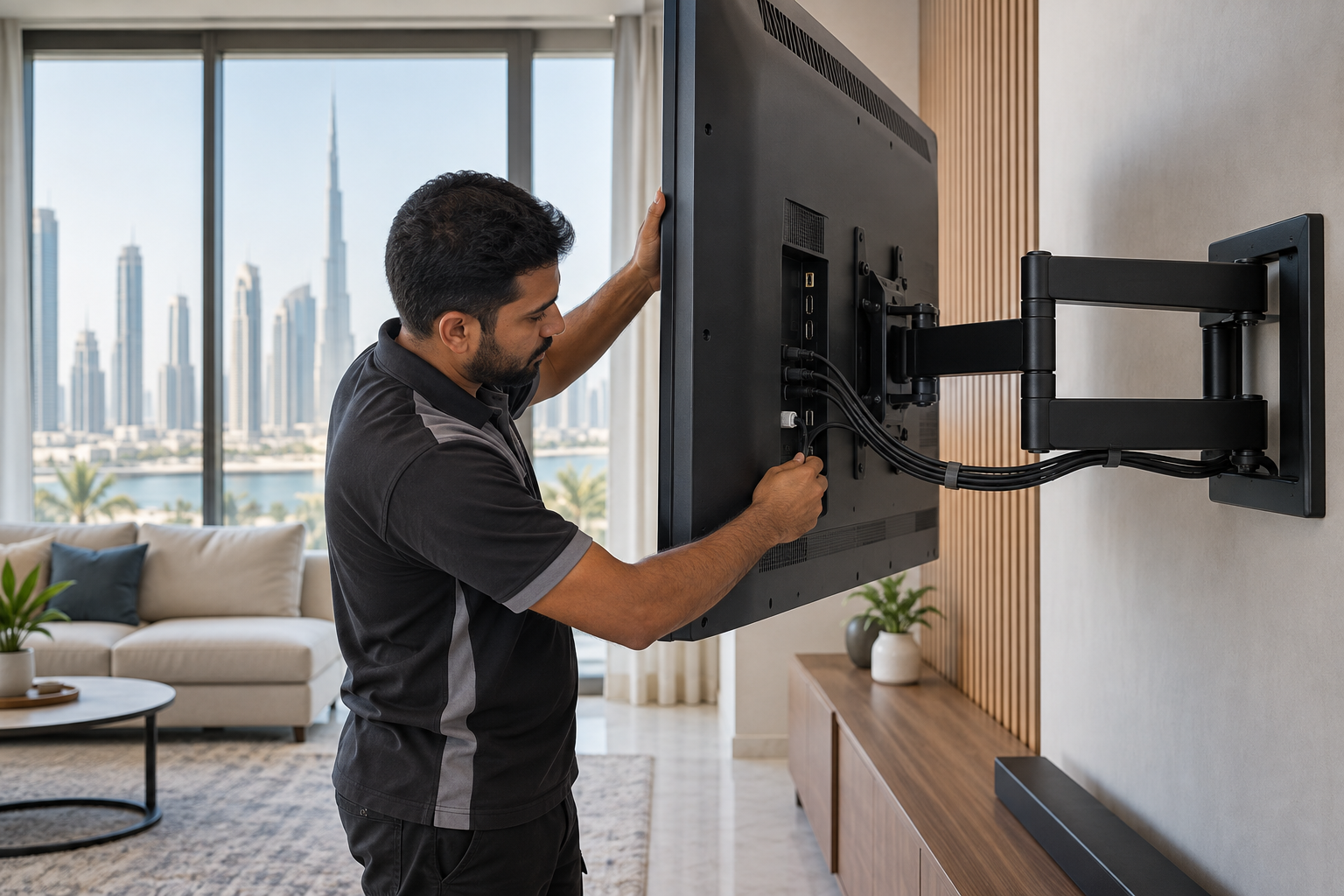
List every connection you expect to use: power, HDMI, Ethernet, antenna, satellite receiver, soundbar, game console and USB storage. Note whether each port faces down, sideways or backward. Allow a gentle bend instead of forcing plugs against the wall, and leave the ventilation space required by the TV manufacturer.
If cables will run inside a wall, use a qualified installer and materials suitable for that application. Do not route a removable appliance power cord inside a wall unless the applicable product instructions and local electrical requirements permit it. Keep service loops controlled so they do not pinch in the mount’s moving joints.
A Practical UAE Wall-Mount Checklist
- Record the exact television model number from its label or settings page.
- Find the official TV manual and note the VESA pattern, mounting screw specification and weight without the stand.
- Compare the exact pattern with the mount’s supported patterns; do not rely on diagonal size alone.
- Keep the TV and attached accessories within the mount’s published load rating.
- Decide whether the room needs low profile, tilt, swivel or extension.
- Map ports, plug depth, receiver location, soundbar position and ventilation clearance.
- Ask a qualified installer to identify the structural wall and the correct fixing method.
- Use two people for lifting and final attachment when required by the instructions.
- Level the screen, secure any locking screws or safety tabs, and test movement slowly.
- Recheck fasteners and mount condition according to the manufacturer’s maintenance guidance.
The U.S. Consumer Product Safety Commission’s Anchor It campaign also recommends securing flat-screen TVs to a wall or furniture to reduce tip-over risk. Wall mounting can help only when the mount, fixings and installation are appropriate; an incorrectly attached bracket creates a different hazard.
Frequently Asked Questions
Is screen size enough to choose a TV wall mount?
No. It creates a shortlist, but the exact VESA hole pattern, TV weight, screw specification, mount rating and wall construction decide compatibility.
Can a mount with a higher maximum VESA number fit every smaller pattern?
Not automatically. “Up to” describes a limit, not a guarantee that every intermediate hole pattern is supported. Check the mount’s full pattern list or manual.
Should I measure VESA with the TV standing upright?
Use the method permitted by the TV instructions and protect the screen. If the TV must be laid face-down, use the clean, flat, padded surface and lifting procedure specified by the manufacturer. Large screens should not be handled alone.
Is a 75 kg mount automatically safer for a light TV?
No. Extra load capacity does not correct a pattern mismatch, unsuitable screws, poor wall fixings or incorrect installation. Every compatibility condition still applies.
Which current StarSat mount is best for an 85-inch TV?
The J016 listing includes a 30–85-inch screen range and a 75 kg maximum load, but that does not prove compatibility with a specific 85-inch model. Confirm the exact VESA pattern, TV weight, screw requirements, wall structure and cable clearance first.
Match the Exact TV Before Ordering
The right wall mount is a system match, not a screen-size guess. Start with the TV manual, verify the exact hole spacing and weight, choose the motion style that fits the room, and have the wall structure assessed before drilling.
Review the three live StarSat mount pages above or browse the full wall-mount collection. If a specification is unclear, contact Glorious Store with the exact TV model, a photo of the mounting-hole label or manual page, the wall type if known, and the movement you want. For room planning before hardware selection, use the separate UAE TV size and viewing-distance guide.
Sources
- TCL at IFA 2026: larger home-TV trend, published September 3, 2026.
- LG ultra-large display announcement at IFA 2026, published September 7, 2026.
- VESA Flat Display Mounting Interface overview, accessed September 11, 2026.
- Roku wall-mount compatibility and safety guidance, updated September 1, 2026.
- Sony wall-mounting guidance, accessed September 11, 2026.
- CPSC Anchor It TV tip-over prevention guidance, accessed September 11, 2026.
- Glorious Store live wall-mount category and product pages, checked September 11, 2026.
Leave a comment