

Connecting your satellite receiver to the Internet opens a whole new world of entertainment. Whether you want IPTV channels, YouTube, online updates, app downloads, or smoother 4K streaming, getting your receiver online is the first step. Many modern receivers in the UAE, including Starsat satellite receiver UAE, Android satellite receiver UAE, and hybrid satellite receiver UAE, support both WiFi and wired connections.
The good news is that connecting your satellite receiver to the Internet is simple, and you can do it even if you are not a tech expert. In this complete guide, we explain every method, every connection type, and every tool you may need. Let’s get started. 😄
Why connect your satellite receiver to the Internet? 📶
Modern satellite receivers are no longer just for dish channels. With Internet connectivity, you unlock features including:
- IPTV streaming
- YouTube and online apps
- Automatic channel lists
- Software updates
- Online servers for smooth viewing
- Access to VOD libraries
- Faster EPG updates
- Improved 4K streaming performance
Whether you use a 4K satellite receiver UAE, android IPTV receiver Dubai, or Starsat 4K receiver UAE, connecting to the Internet improves the entire experience.

Method 1: Connect using WiFi (built in or dongle) 📡
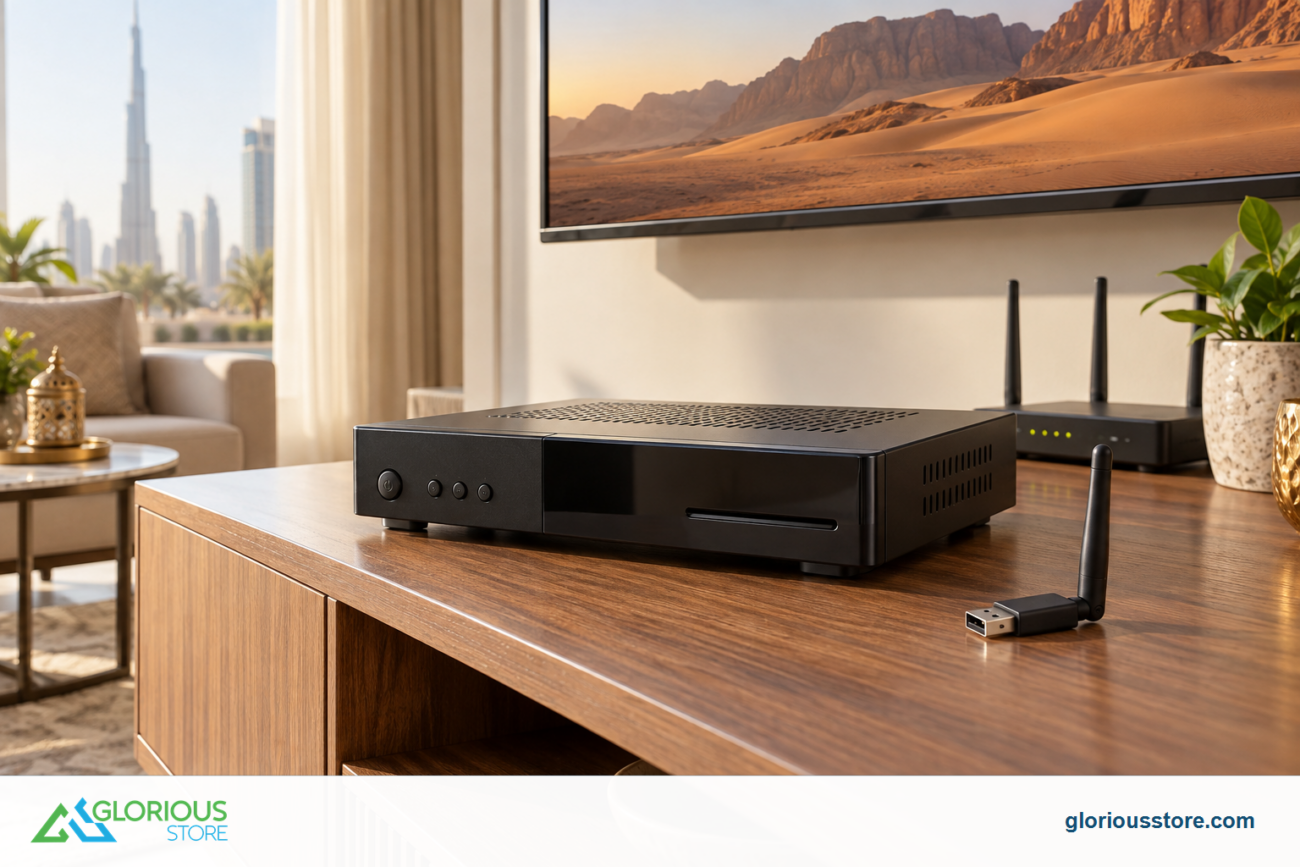
Most new satellite receivers have built in WiFi. If your receiver does not have built in WiFi, you can use a WiFi dongle for satellite receiver UAE.
Steps:
- Go to Menu
- Open Network or Internet settings
- Choose WiFi
- Select your WiFi network
- Enter your password
- Confirm and test the connection
If the WiFi signal is weak, move the receiver closer to the router or use a stronger USB WiFi adapter.
Receivers that support WiFi in the UAE:
- Starsat 4K receiver UAE
- Mediastar receiver UAE
- Tiger receiver UAE
- Android 4K satellite receiver UAE
Method 2: Connect using Ethernet cable (best stability) 🔗
If you want the best performance for IPTV, 4K streaming, or stable online servers, Ethernet is the best choice.
Steps:
- Plug an Ethernet cable into the receiver
- Plug the other end into your router
- Go to Network or Internet settings
- Select Wired mode
- The connection should activate instantly
Ethernet also improves performance on devices like:
- Starsat SR 9090 Extreme UAE
- Starsat SR 260H4K UAE
- Dreambox receiver UAE
- Humax satellite receiver UAE
Wired connection gives zero lag and is ideal for IPTV box Dubai users.
Method 3: Connect using a mobile hotspot 📱
If you do not have home Internet, you can still activate online features using your phone hotspot.
Steps:
- Turn on hotspot on your phone
- Search for WiFi in your receiver
- Select your phone hotspot
- Enter the password
- Connect
This method is useful for areas where satellite dish installation Dubai services are common but broadband is limited.
Method 4: Using WiFi Bridge or Access Point 🏠
If your router is far from the TV, a WiFi bridge helps extend coverage.
Benefits:
- Strong signal
- No need to run long cables
- Great for large homes
- Works with any satellite receiver
A WiFi bridge works well with:
- Ultra HD satellite receiver UAE
- Smart satellite receiver UAE
- Hybrid satellite receiver UAE

Troubleshooting common connection issues ⚠️
Here are common problems and how to fix them:
Receiver not detecting WiFi
- Use a WiFi dongle for satellite receiver UAE
- Restart your router
- Move receiver closer to the router
IPTV not loading
- Switch to Ethernet for better stability
- Restart both router and receiver
- Update the firmware
Slow streaming
- Reduce devices on your WiFi
- Use 5 GHz WiFi if supported
- Try wired connection
Equipment you may need for the best Internet connection 🛠️
- WiFi dongle for satellite receiver UAE
- Coaxial cable UAE
- Ethernet cable
- HDMI cable for satellite receiver UAE
- Diseqc switch UAE (for multi satellite)
- LNB 4K UAE
You can find all of these at GloriousStore under the Starsat and satellite receiver UAE category.
Conclusion and CTA 🚀
Connecting your satellite receiver to the Internet unlocks the full power of IPTV, 4K streaming, online apps, and smoother performance. Whether you use a 4K satellite receiver Dubai, android satellite receiver UAE, or hybrid satellite receiver, a strong Internet connection gives you the best results.
Go get yours now!
https://gloriousstore.com/starsat/4k-uhd-led-tvs/
https://gloriousstore.com/starsat/4k-satellite-receivers/
https://gloriousstore.com/starsat/ip-receivers/
https://gloriousstore.com/starsat/satellite-hd-recievers/




Leave a comment